
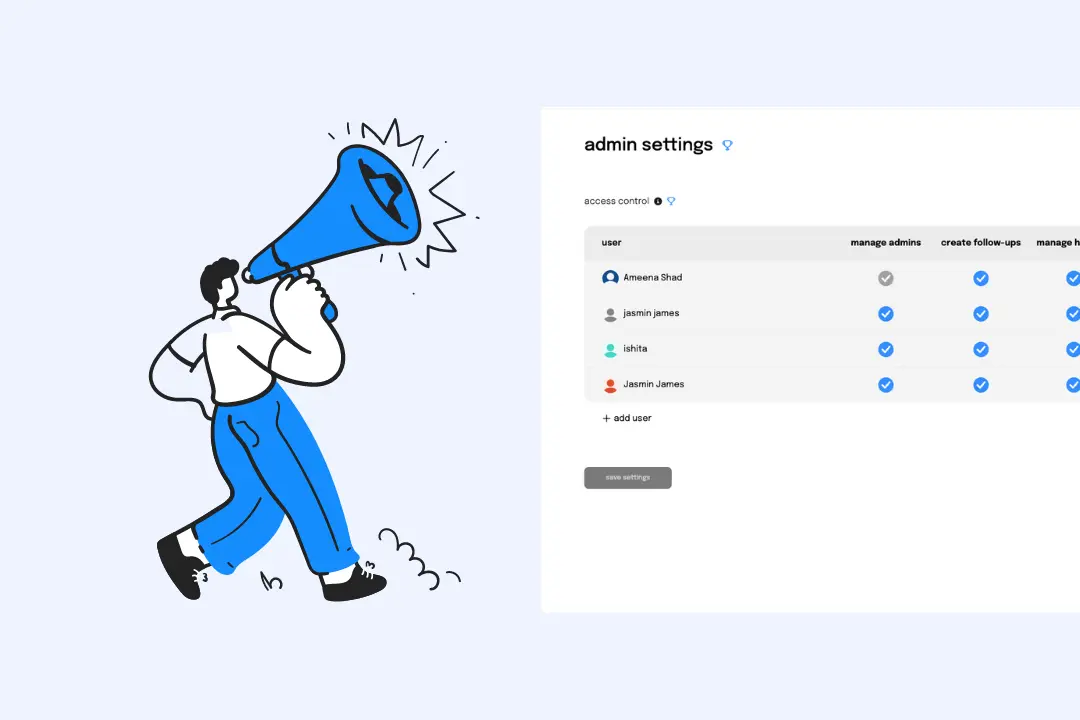
Imagine being able to easily manage who has access to Sup's most important features like holidays, billing, etc. You can now grant or restrict access with a flick of the wrist (or a click of the mouse) using our new feature.
No more accidental data deletion or unauthorised access to restricted areas. Are you prepared to utilise Access Control Magic? Let the journey commence!
How to set control on who can create follow-ups, manage holidays and billing?
Where to find the setting?
- 1.Goto settings > admins from the navbar.
- 2.Enable the toggle access control.
- 3.Click on save settings.
How to add an admin?
- 1.Follow the steps mentioned under Where to find the setting? before adding an admin.
- 2.Next, click on add user.
- 3.Locate the new row at the end of the table and type the Slack username of the desired user in the search field.
- 4.Select the user from the search.
- 5.Click on save settings.
How to grant admin access?
- 1.Locate the respective block that corresponds to admin access.
- 2.Tick the block to enable privileges.
- 3.Click save settings to apply the updated settings.