

How many times have we been worried about our backgrounds when attending a Zoom meeting, be it from the office or home? We are concerned about it because either there are too many things going on behind us or the backdrop isn't professional. This is why we've listed here 16 backgrounds for Zoom meetings that will make you look both presentable and confident during your Zoom meetings. Check them out below.
8 good Zoom backgrounds for day meetings
Mornings are all about natural lighting and quiet vibrancy. So, we've curated the best Zoom backgrounds for work that reflect this time of day. These best zoom backgrounds for work not only give away good spirits, but also add to the ambiance of the meeting. Have a look at the ones shared below.
1) Office open space with a view

2) Spacious office cabin
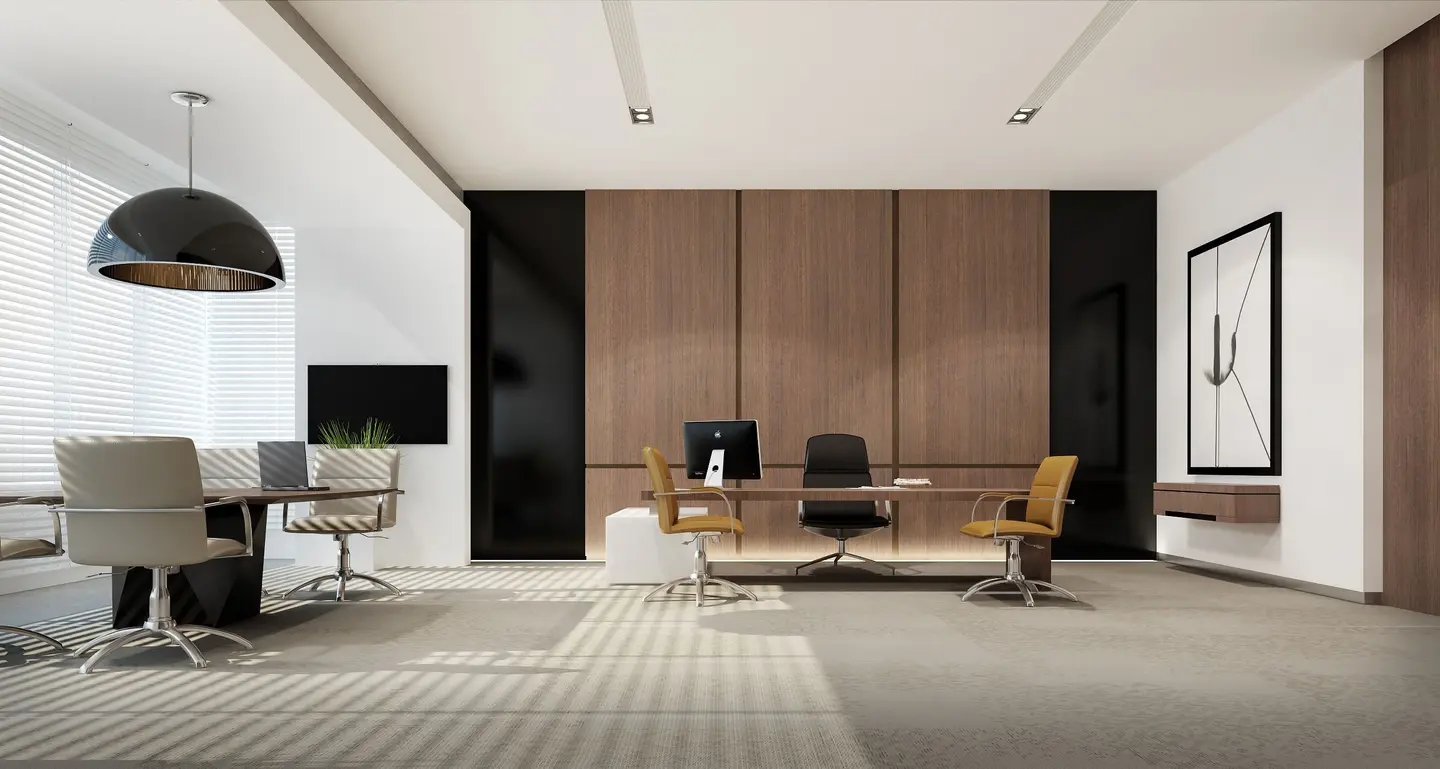
3) Spacious room on the office top floor
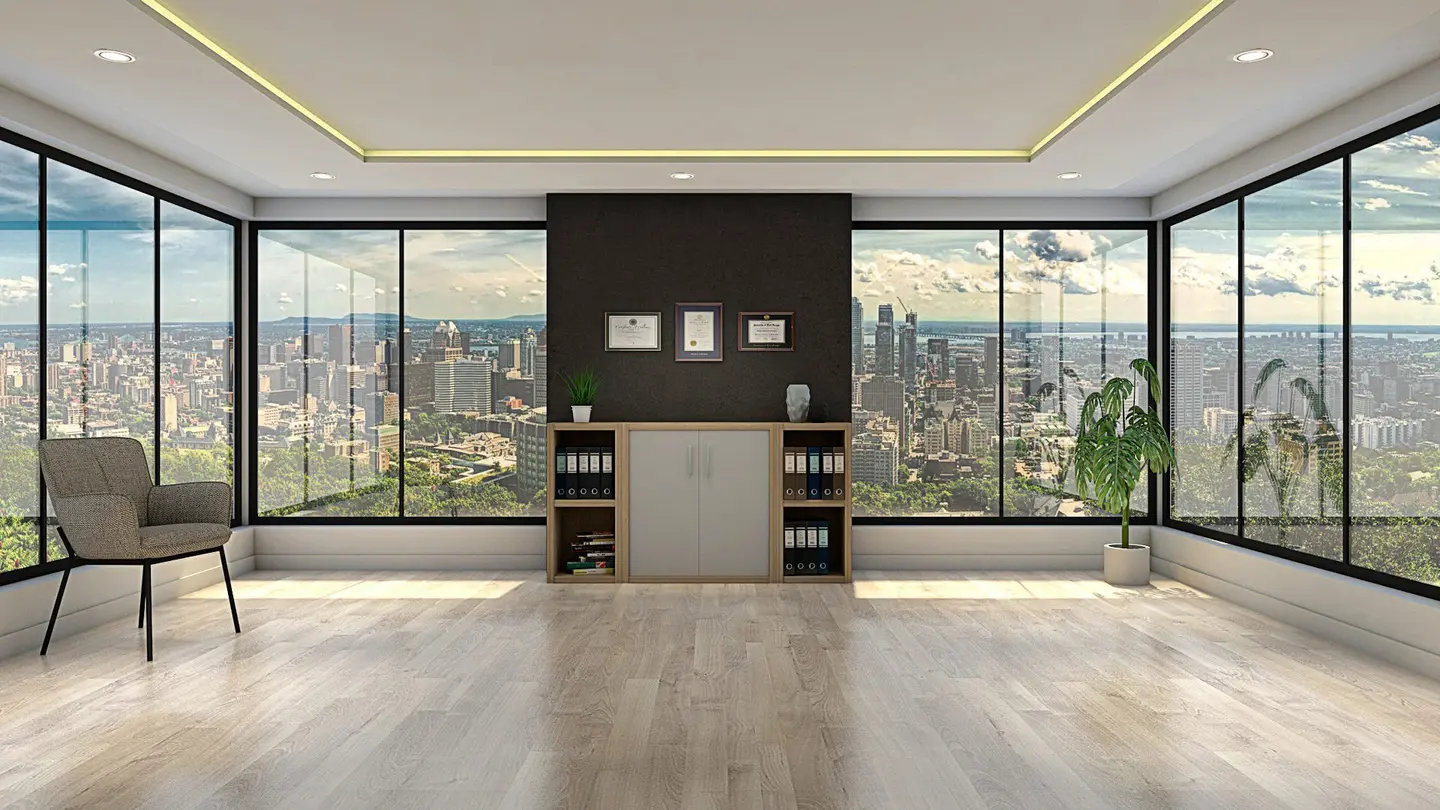
4) White-walled meeting room

5) Small office cabin
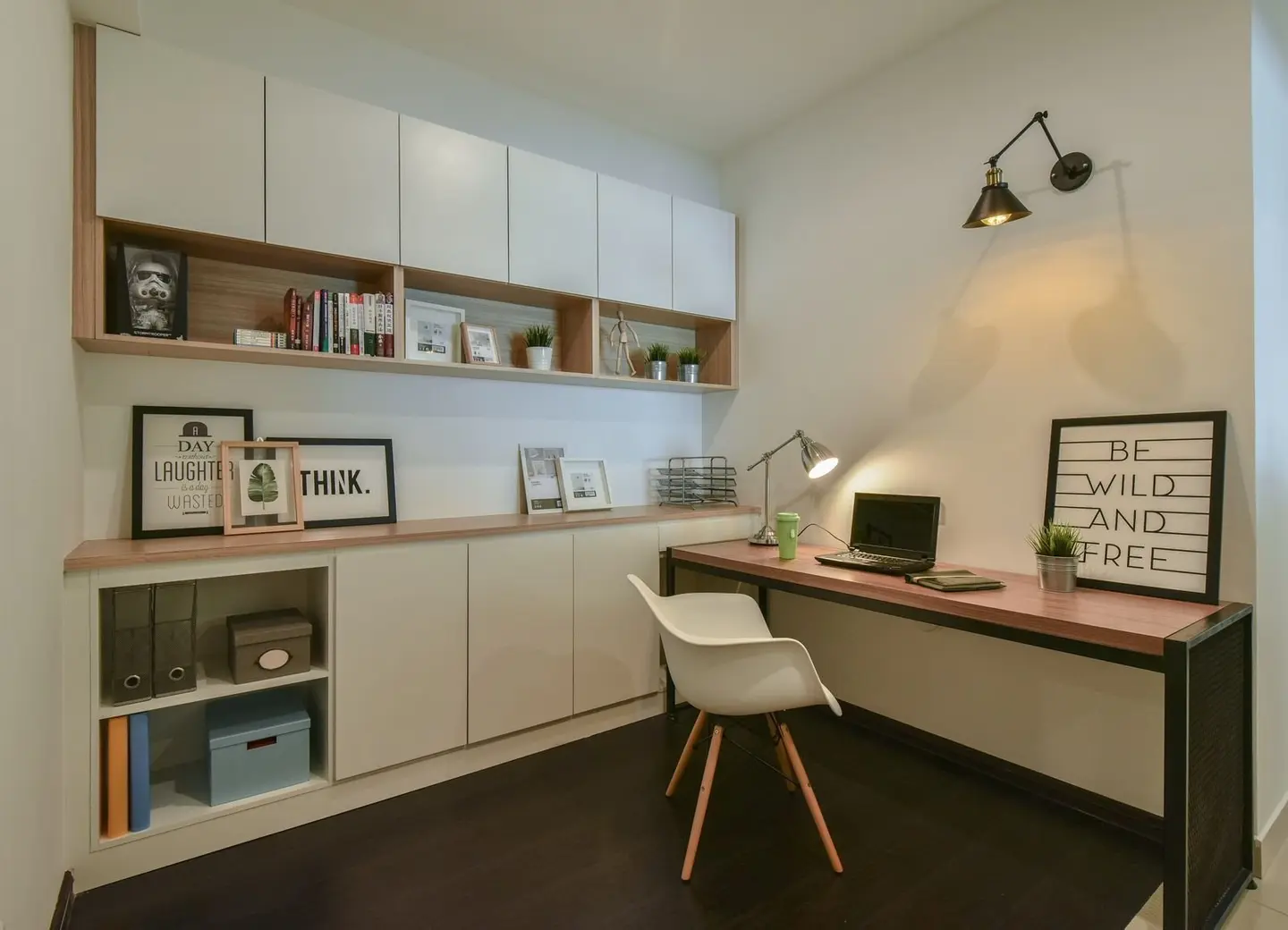
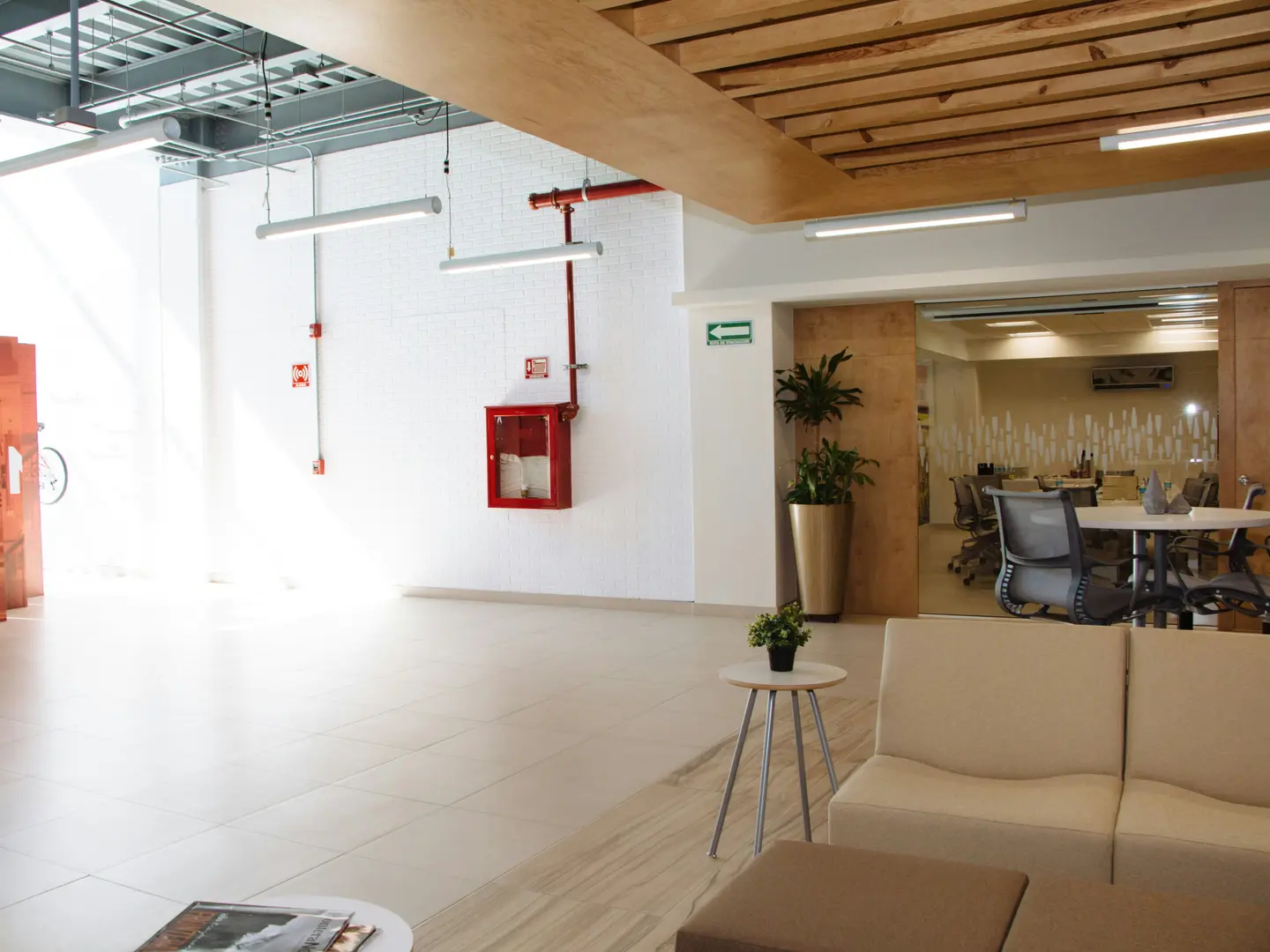
6) The office lobby

7) Bright office workspace
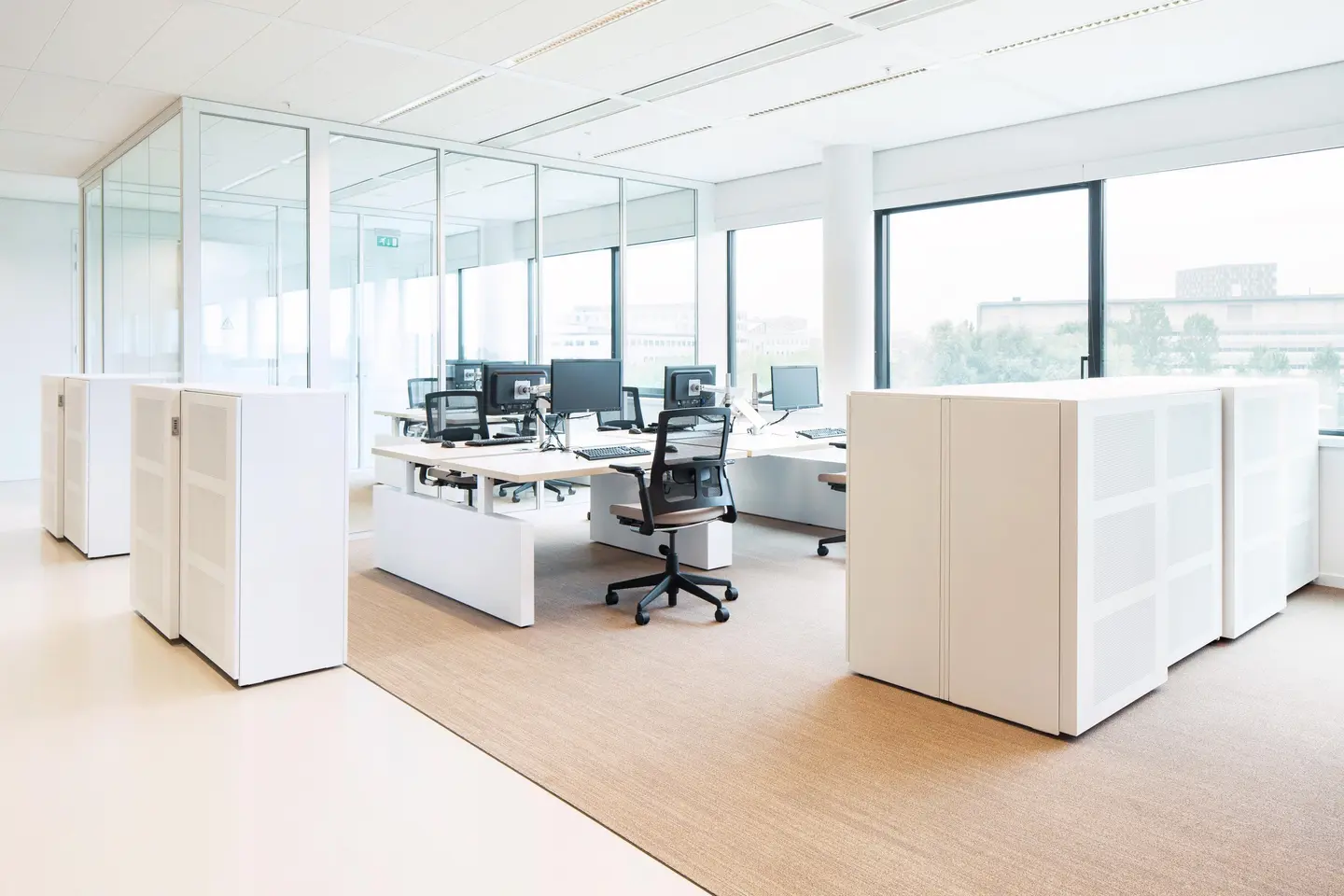
8) Wooden-furnished office lobby
8 good Zoom backgrounds for night meetings
Meetings do not always happen during the day, right? They also occur at night. With some of us also having to attend a quick call after reaching home or even simply attending a scheduled one during late hours while working from home, it is only fitting to include home-themed office backgrounds for Zoom meetings. Check them out below.
1) Spacious study room
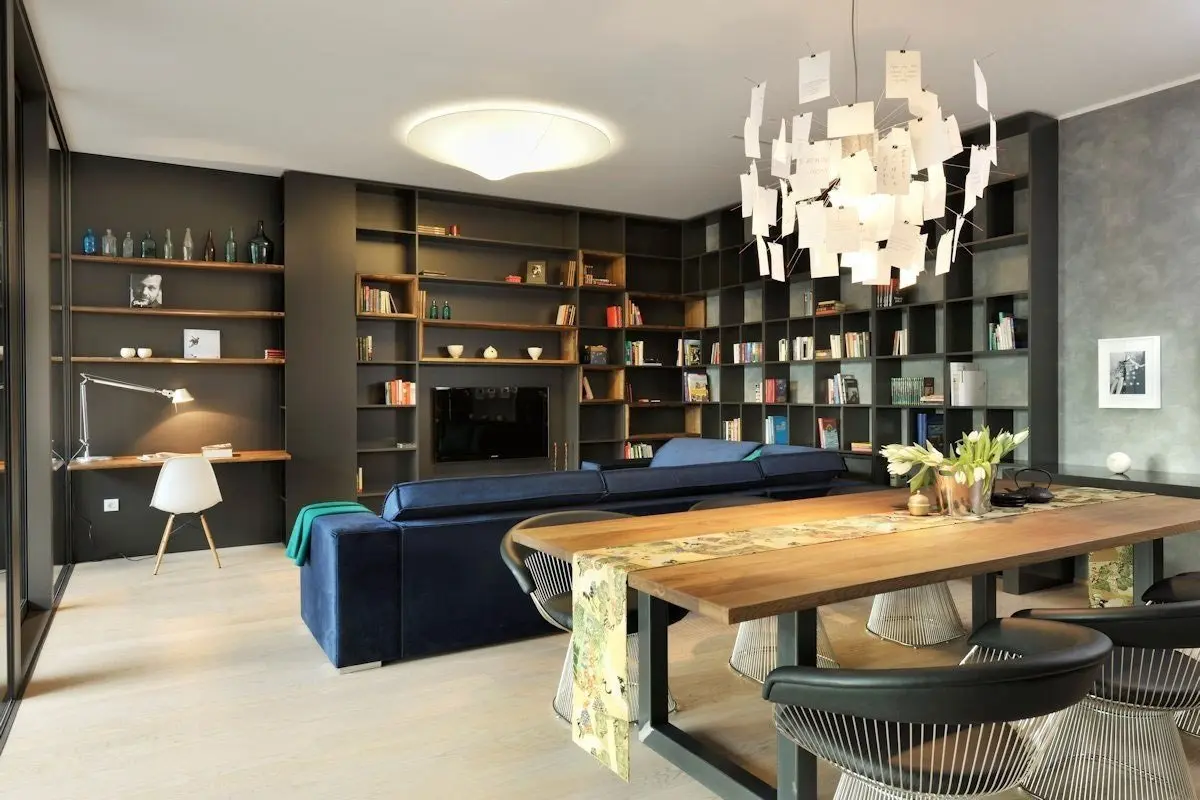
2) Living room adjacent to dining table
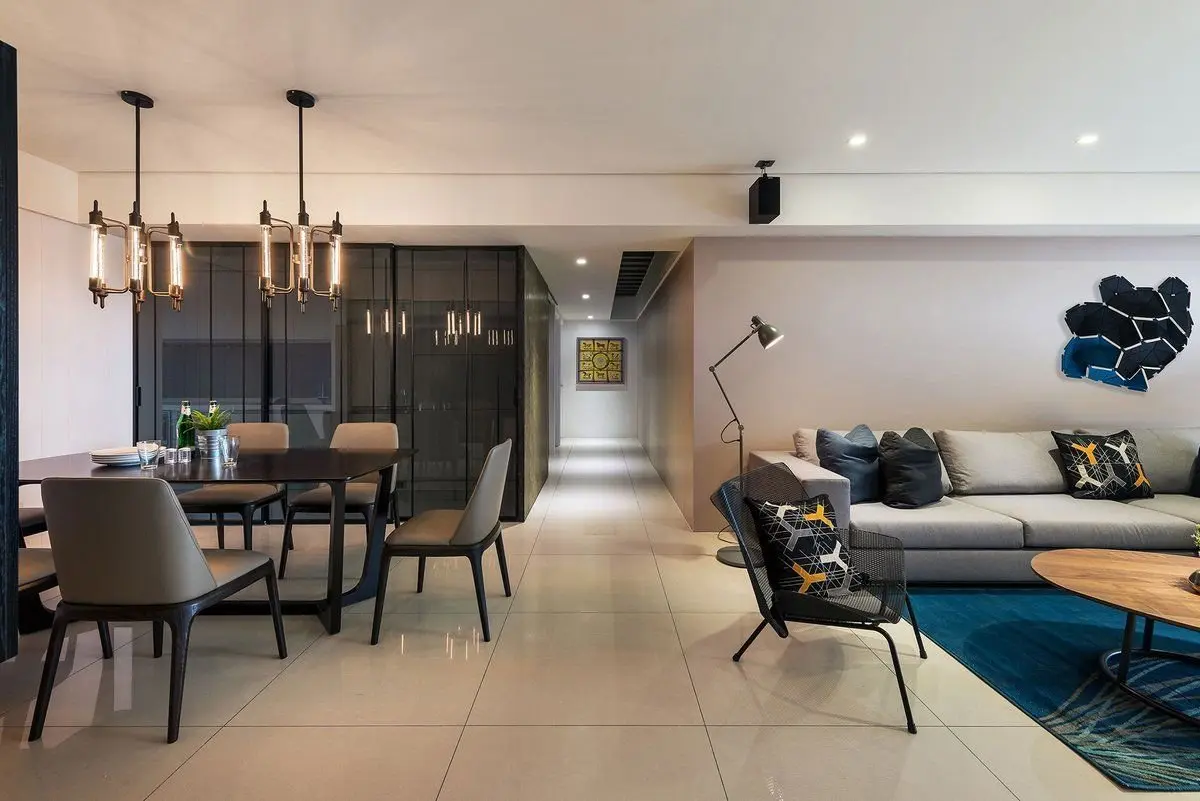
3) Compact study room
4) Open study room
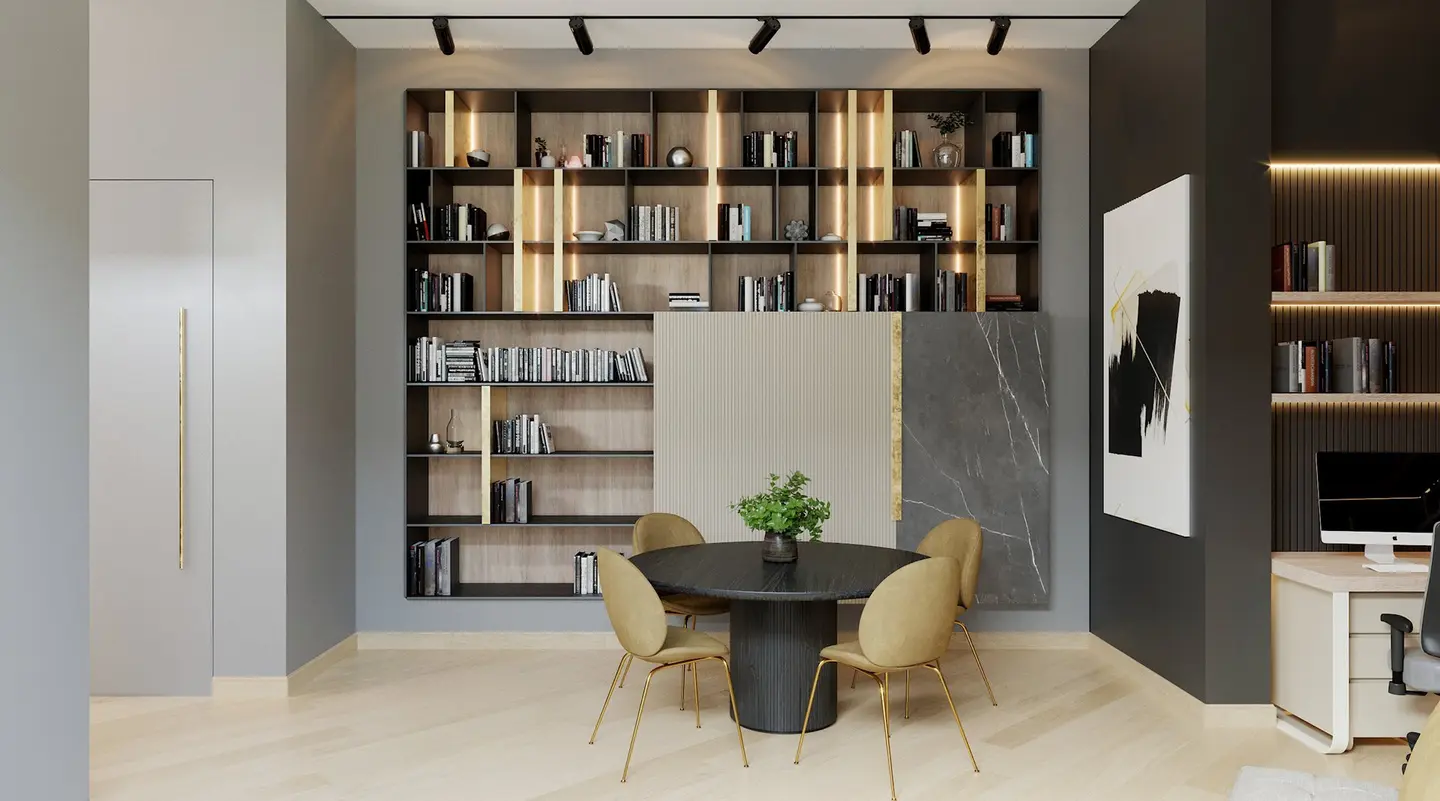
5) Study room with city view
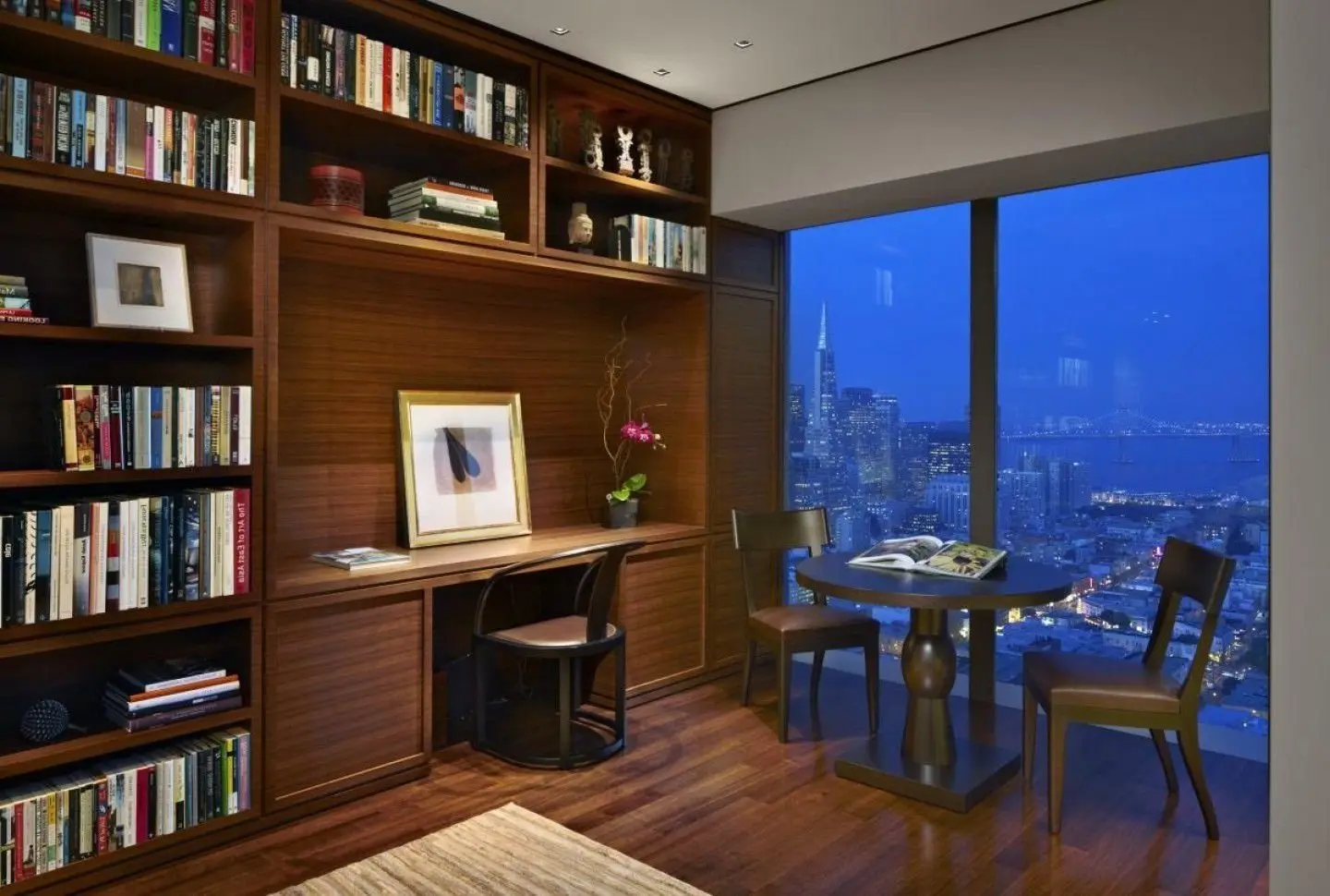
6) Living room with neutral tones
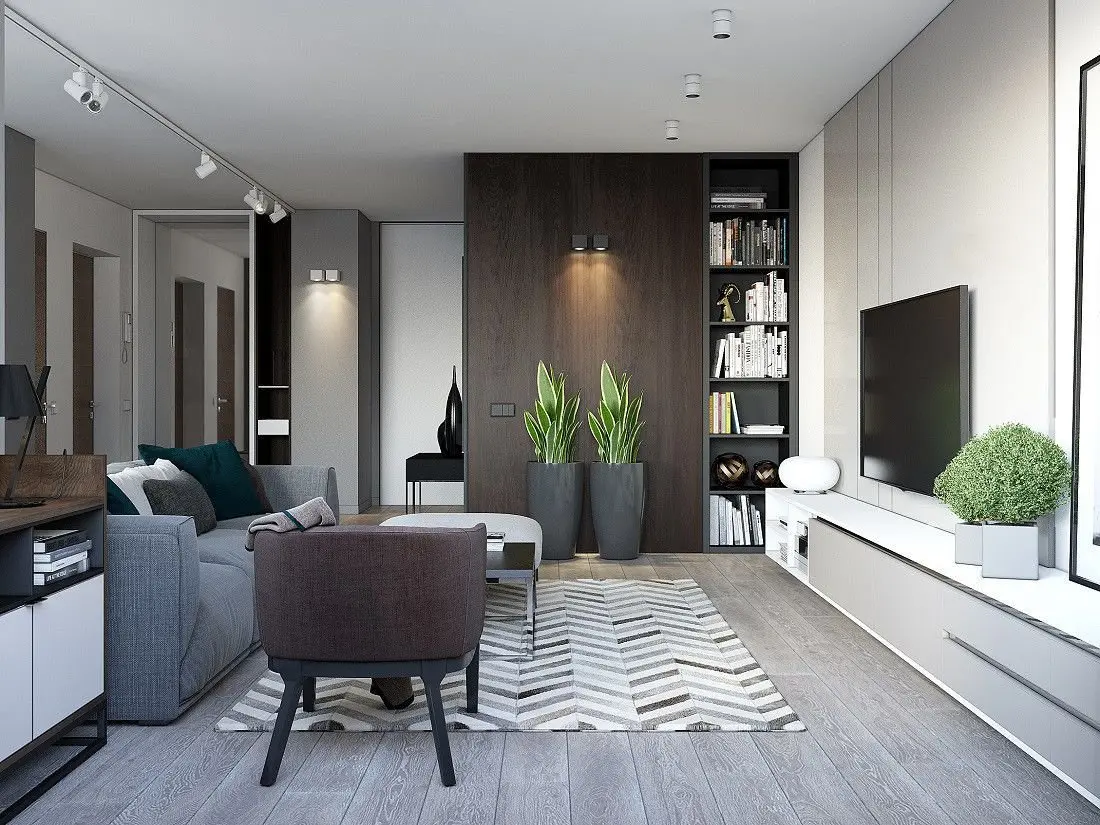
7) Relaxed workspace with divider
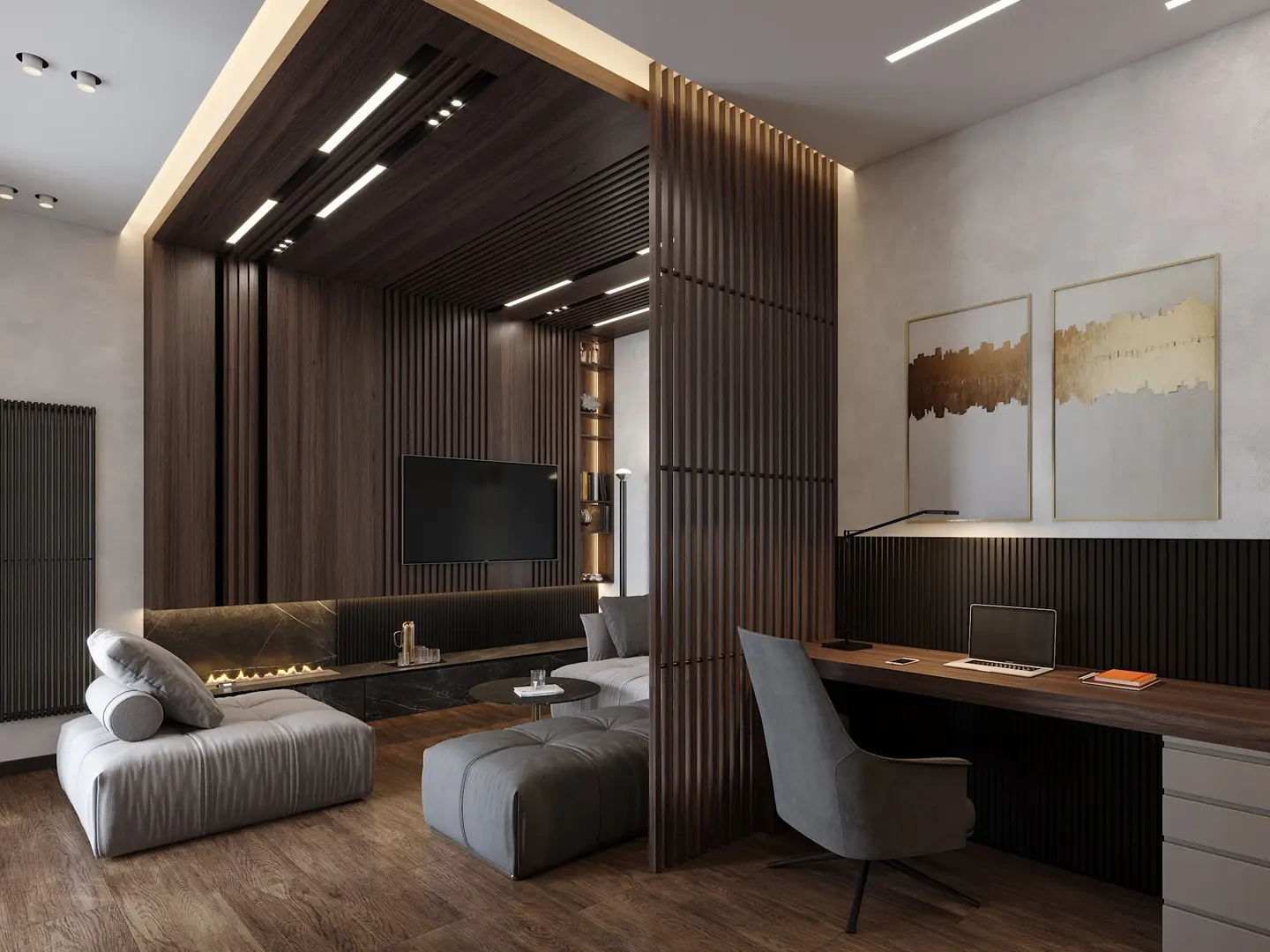
8) Dark-themed study room

How do you add the best Zoom backgrounds for work meetings?
So you now have a list of the best Zoom backgrounds at your disposal. But how do you add them to your meetings? Here is how.
1) How to add an office background for Zoom meetings before the meeting starts
- Select the gear icon on the Zoom app’s home page.
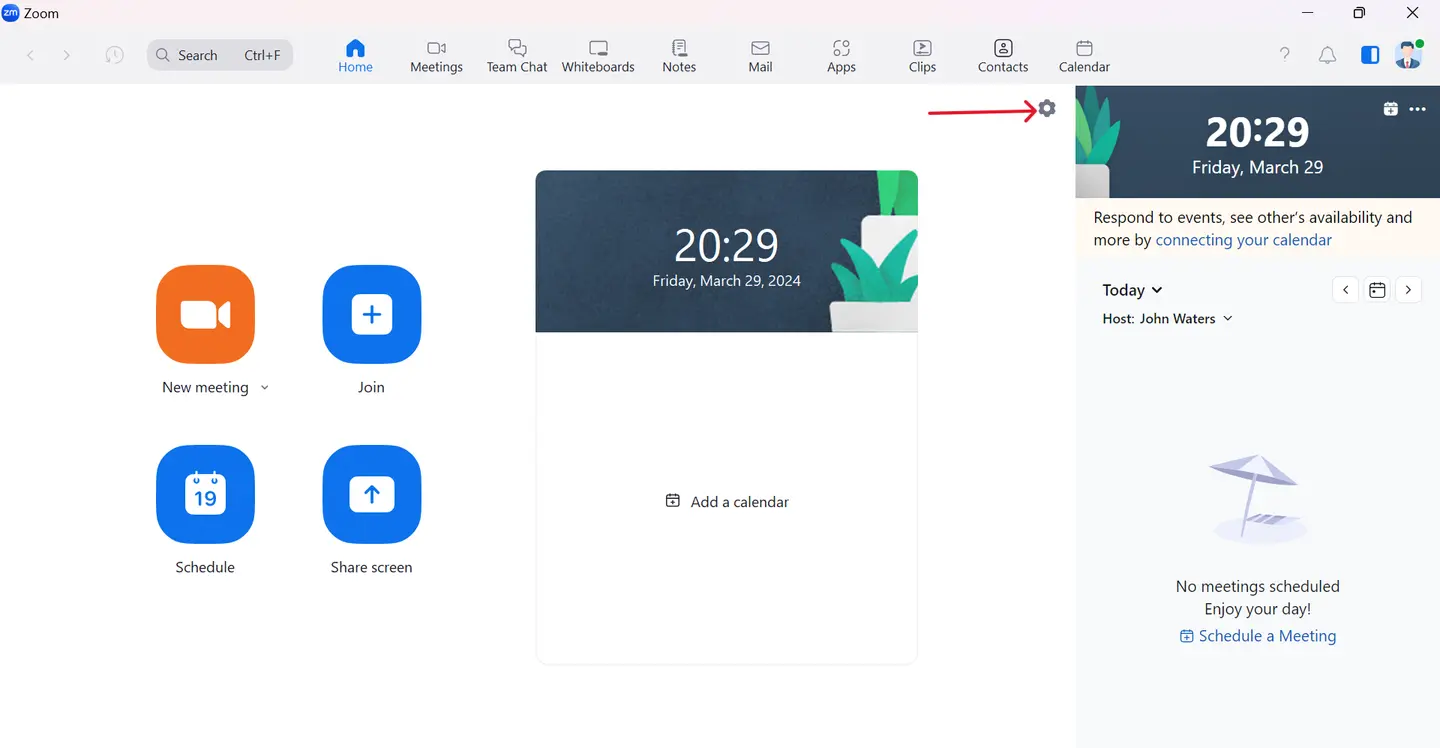
- On the pop-up window, select 'Background & Effects'.
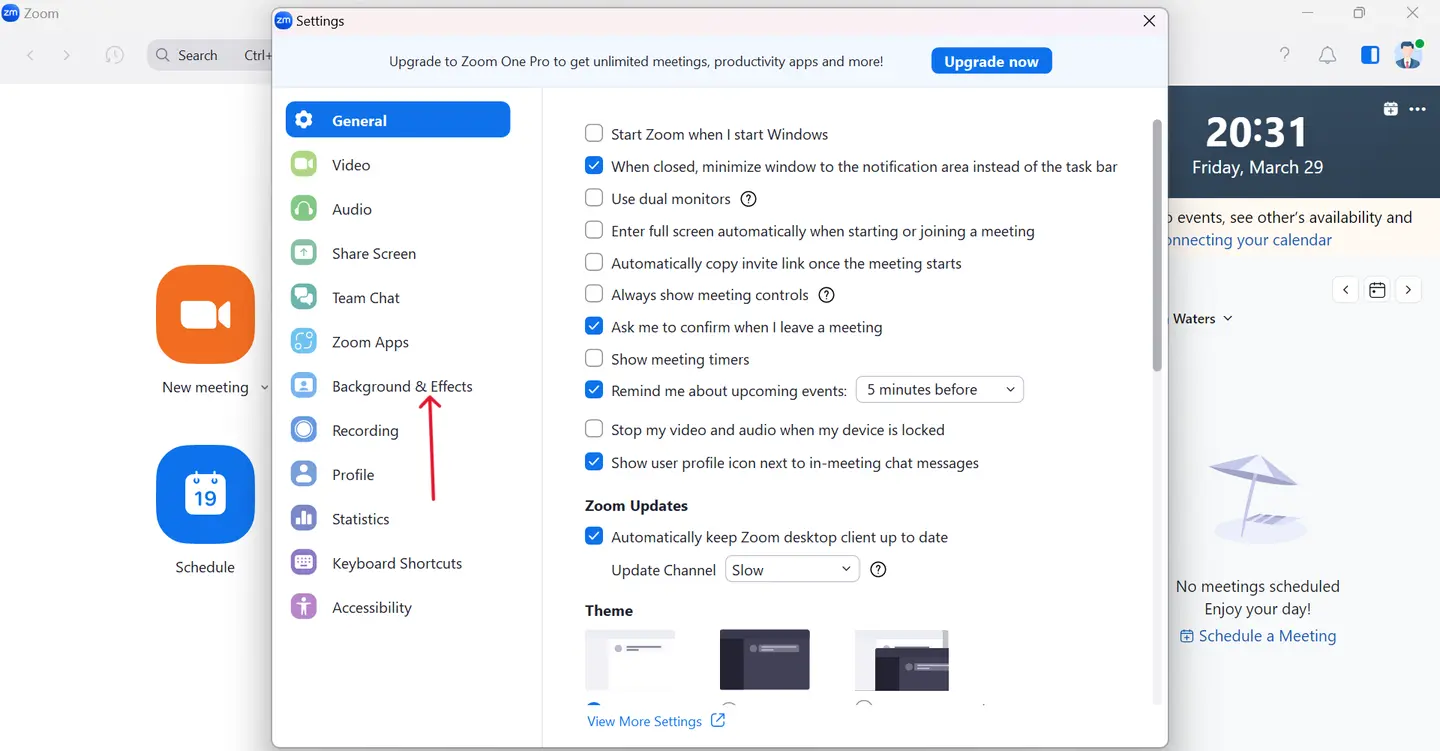
- Next, click on the 'plus sign' on the far right of the 'Background & Effects' window.
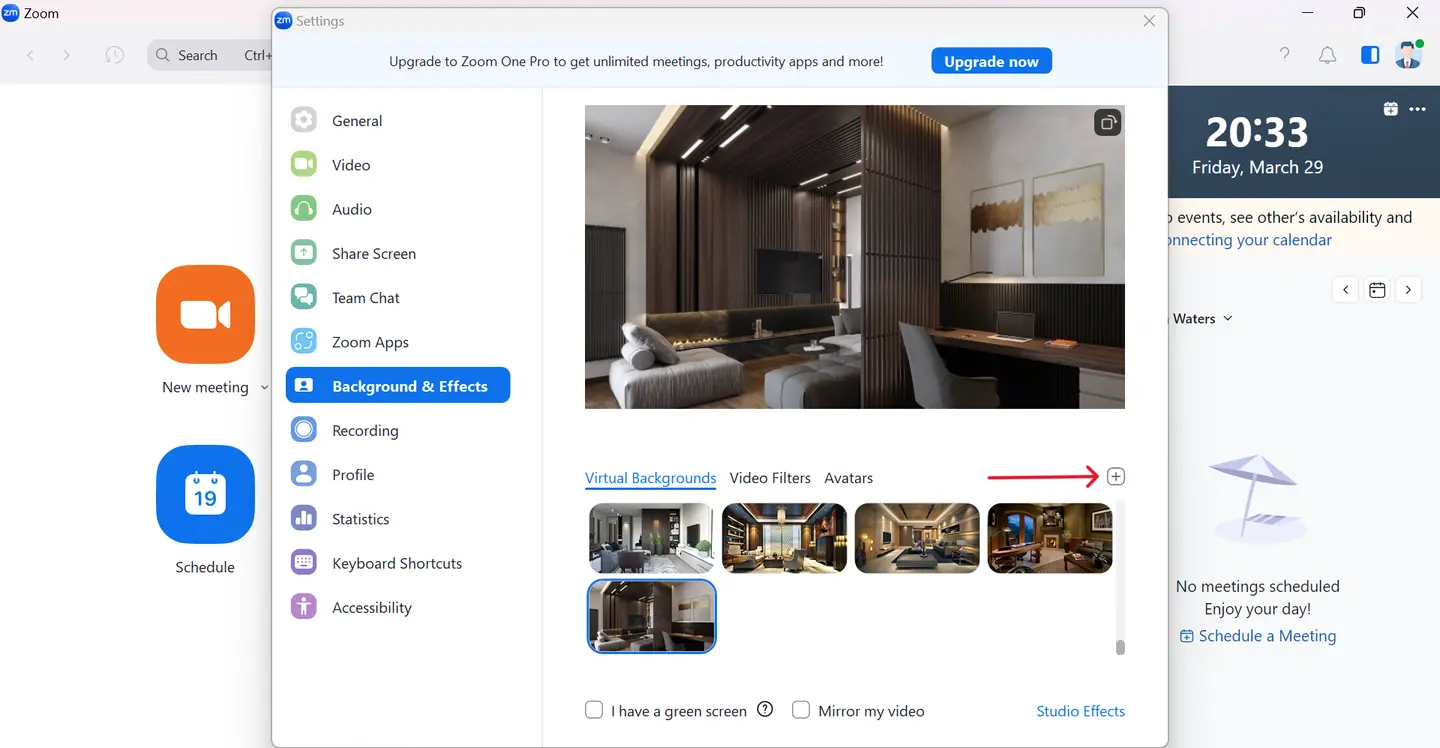
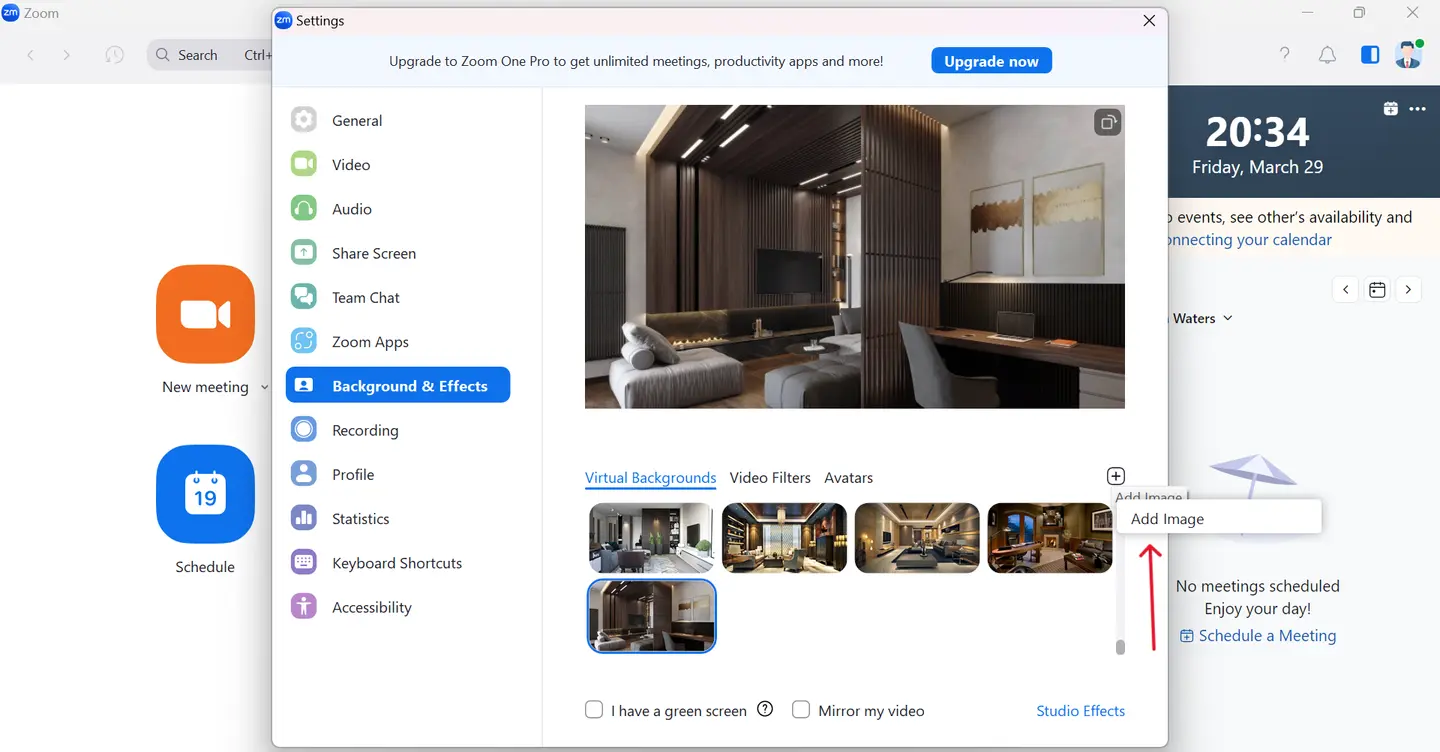
- Click on 'Add image' to browse from the downloaded backgrounds for Zoom meetings, and click 'Open'.
2) How to add an office background for Zoom meetings when the meeting is on
- Join the meeting before everyone.
- Click on the arrow beside the video icon towards the bottom left of the screen.
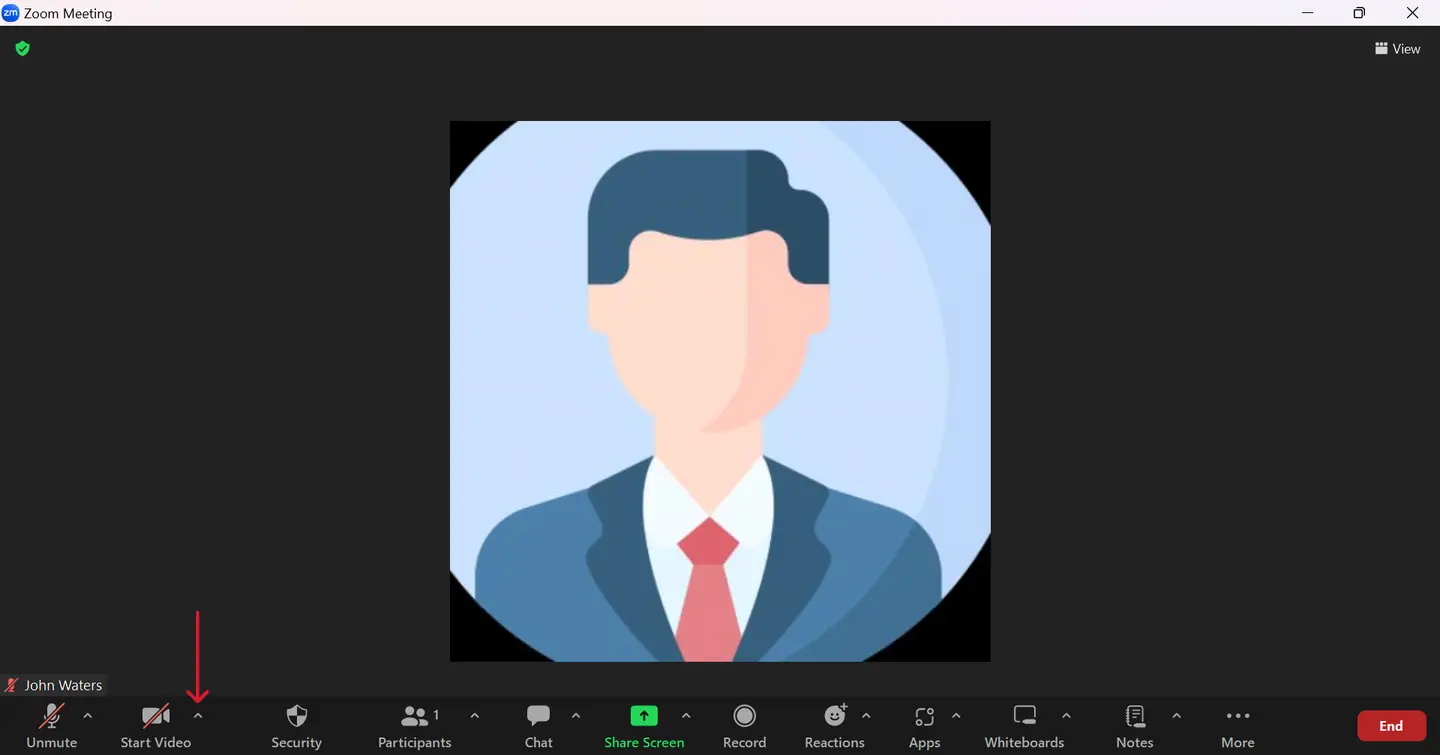
- Select 'Choose Virtual Background' from the menu that appears.
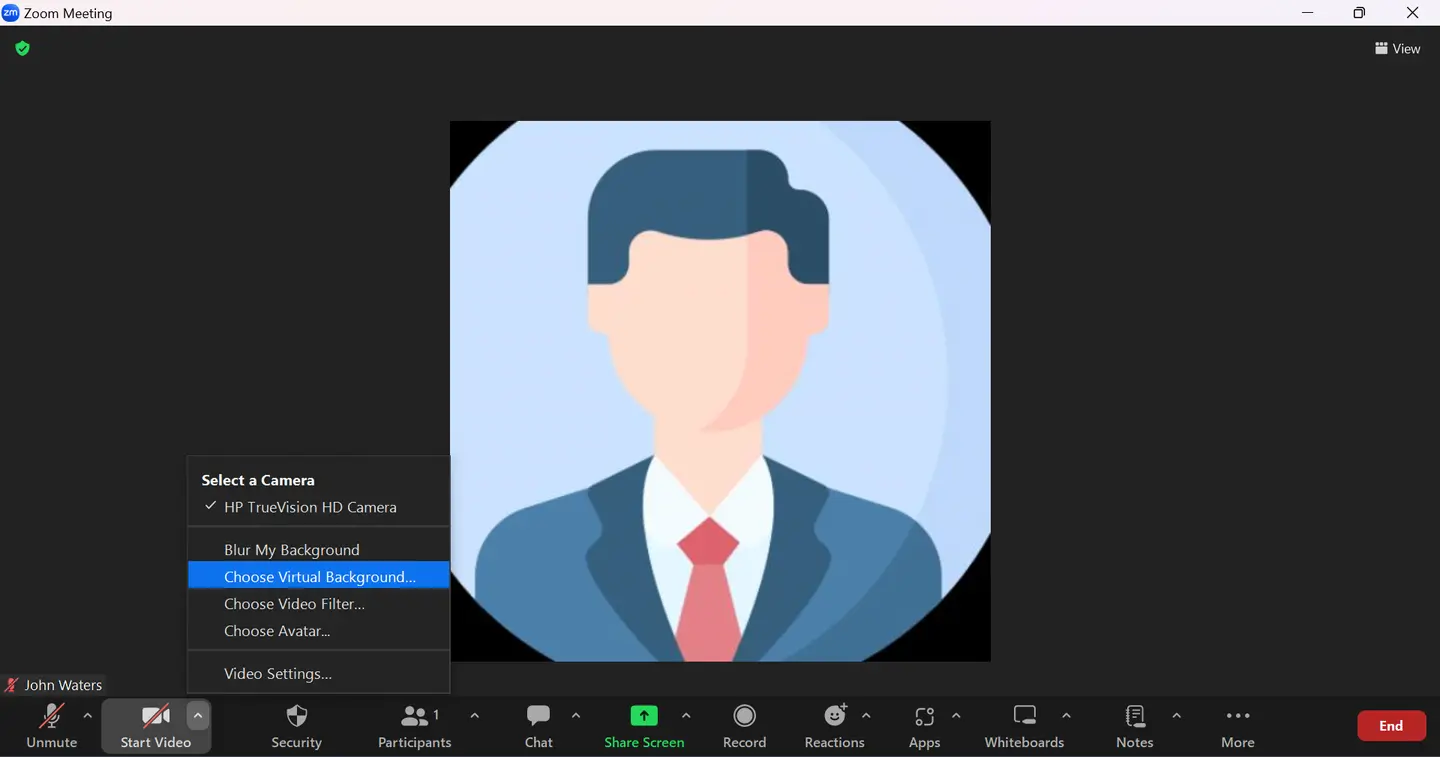
- Click on the 'plus sign' on the far right of the 'Background & Effects' window.
- Click on 'Add image' to browse from the downloaded backgrounds for Zoom meetings, and click 'Open'.
Enhance collaboration with asynchronous meetings.
 Add to Slack
 Add to Teams
 Add to Webex
The synchronous Zoom meetings are great for training and other purposes where face-to-face communication is required. Asynchronous communication, on the other hand, brings flexibility and efficiency to your daily meetings. Incorporating asynchronous meetings into your routine allows you to enhance collaboration without being limited by time zones or bogged down by meeting fatigue.
Use asynchronous meetings from Sup Bot to achieve this effortlessly. They can accommodate diverse schedules and greatly reduce the time wasted in meetings, maximizing productivity. Get Sup Bot to streamline your meetings and elevate your meeting experience today.