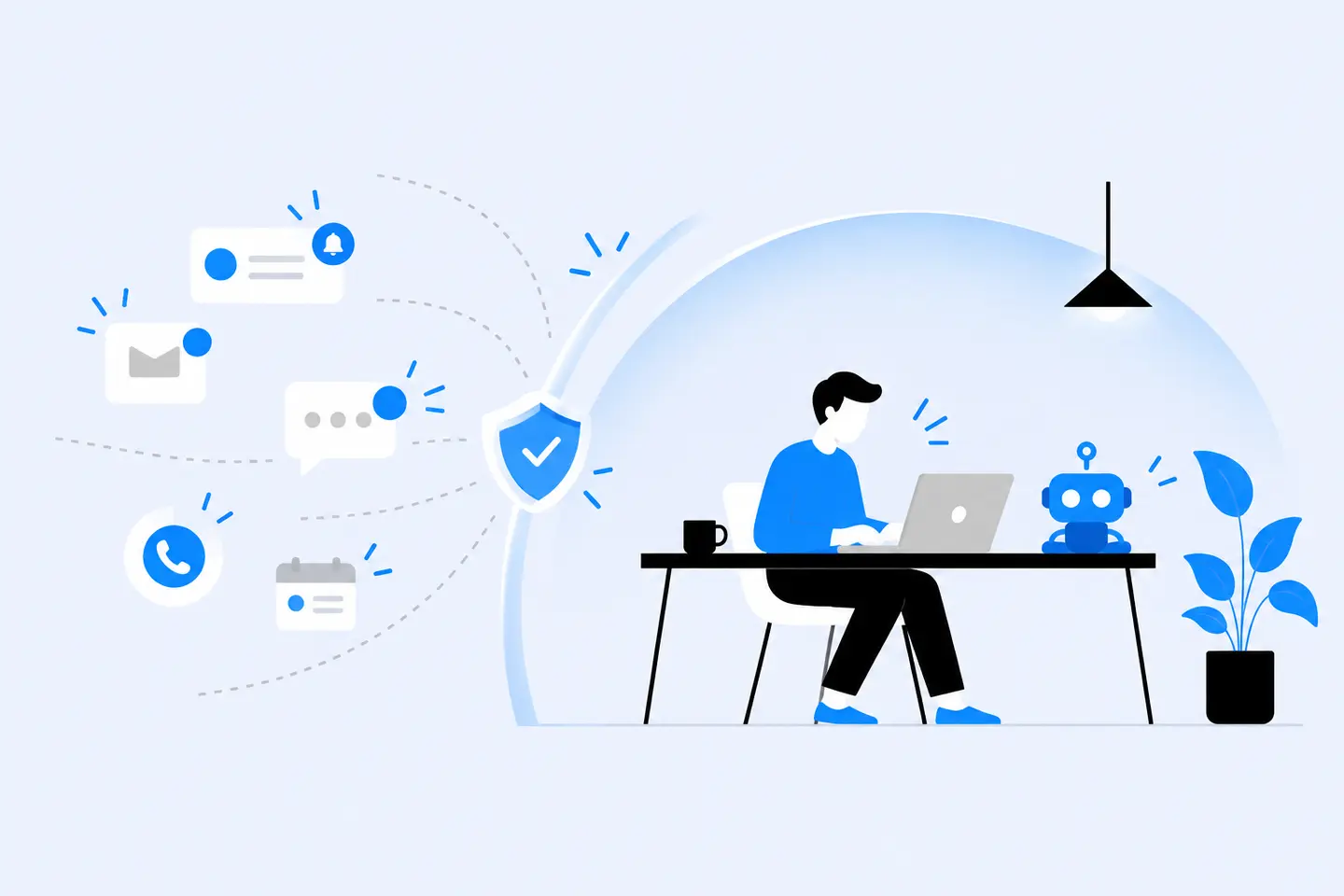
You block off your morning to protect deep work time and finally sit down with the hardest problem of your day. Four minutes in, a badge pops up. Then a "got a sec?" message arrives, and a channel you forgot you joined lights up. By the time you return to the task, the thread of thought you were holding is gone.
This is familiar territory for teams that run on instant messaging. Slack and Microsoft Teams make collaboration easier, but they also make interruption effortless. On some teams, answering quickly starts to look more important than doing focused, thoughtful work.
The solution isn't to expect everyone to develop superhuman willpower or disappear from chat. It's to agree on when people should be available, what deserves an interruption, and how everyone can stay informed without constantly asking for updates. Here are seven habits that help engineering teams protect deep work without becoming unreachable.
Why Notifications Make Deep Work So Hard
A notification might take only a second to dismiss. The disruption can last longer, especially when it sends you into another task.
Getting Back to an Interrupted Task Takes Time
In a 2005 observational study of 24 information workers, Gloria Mark, Victor M. Gonzalez, and Justin Harris found that, for interrupted work resumed on the same day, people took an average of 25 minutes and 26 seconds to return to it. They worked on an average of 2.26 other activities in between.
That finding doesn't mean every notification destroys 25 minutes of productive time. The study measured the elapsed time before people resumed interrupted work, not how long they needed to regain full concentration. It does illustrate how easily one interruption can turn into a detour through several other tasks.
Attention Residue Follows You
Researcher Sophie Leroy described a related effect called attention residue. In her 2009 study on switching between work tasks, she found that thoughts about an unfinished task can linger after a switch and interfere with performance on the next task.
If you stop debugging to answer a complicated question, you may still be thinking about that question when you return to the code. Even when the message is worth answering, the switch isn't always free.
Responsiveness Can Look Like Productivity
Someone who answers every message within two minutes appears engaged. But a team that expects instant replies makes it difficult for anyone to reserve two uninterrupted hours. A handful of unrelated pings can fragment an entire morning.
Focus Is a Team Habit, Not a Willpower Problem
Most focus advice is personal: silence your phone, close your inbox, or install a focus app. Those tactics help, but they only go so far when everyone else expects immediate replies.
Focused work becomes easier when the team agrees that a delayed response isn't a sign of disengagement. Shared expectations give people permission to concentrate and reassure senders that their messages haven't been ignored. Start with the agreements below, then support them with individual notification settings.
7 Practices to Protect Deep Work on Your Team
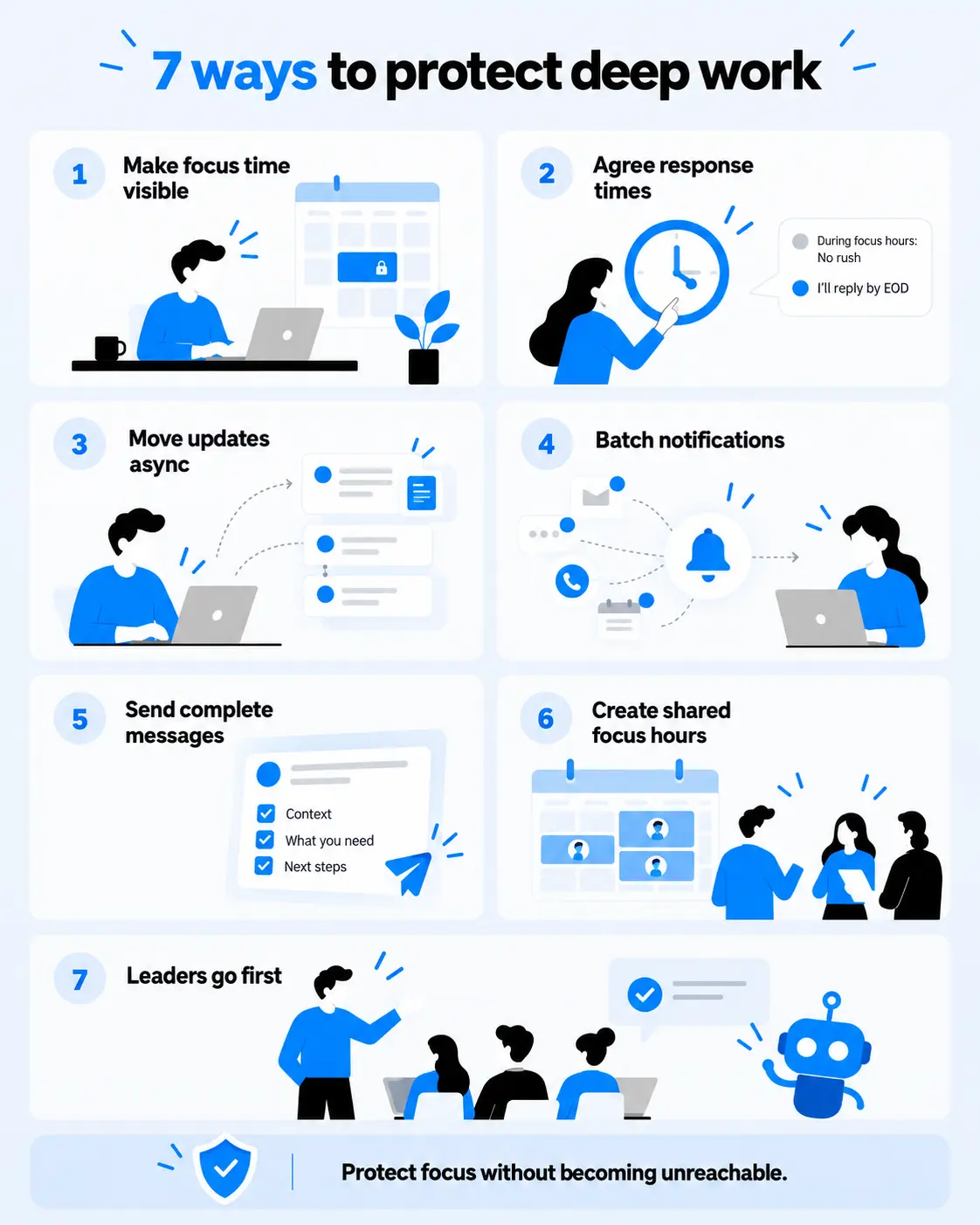
1. Make Focus Time Visible
Block focus time on your calendar and set a matching chat status: "🎧 Heads down until 12:00. I'll reply after that. For critical incidents, use the on-call channel."
The status explains your silence, while the calendar block prevents your focus time from becoming an available meeting slot. Both matter, but a status alone doesn't silence notifications.
In Slack, set your status and separately pause notifications for the duration of the block. In Microsoft Teams, use Do Not Disturb or supported focus-time functionality. Agree on an escalation route so genuinely urgent issues can still reach the right person.
2. Agree on Response-Time Expectations
Most teams have unspoken rules about reply speed, and those rules often default to "right now." Replace them with a response agreement that distinguishes a production incident from an ordinary question.
The following is a sample policy, not a universal standard. Adapt it to your team's coverage, time zones, and service commitments.
| Channel or situation | Use it for | Example response expectation |
|---|---|---|
| Incident page or designated emergency call | Outages, active security incidents, critical customer impact | Immediate escalation to the designated responder |
| Time-sensitive blocker | Work that cannot wait until the next check-in | Use the agreed escalation route or a designated backup |
| Regular DM | A question that needs someone's input but isn't critical | Same working day |
| Team channel | FYIs, open questions, and non-urgent collaboration | Next working day |
| Document or ticket comment | Reviews, feedback, and non-urgent decisions | By an agreed deadline or the next review cycle |
A two-hour focus block won't work if people also owe a response to every DM within an hour. A clear escalation route solves that conflict: ordinary messages can wait, while urgent issues go to whoever is responsible for responding.
For more guidance on choosing the right communication mode, read our guide to synchronous vs asynchronous communication.
3. Move Status Updates Out of Real Time
Many interruptions are status checks in disguise: "Where are we on this?" "Is the PR ready?" "Are you blocked?" Each question may be reasonable, but together they split the day into fragments.
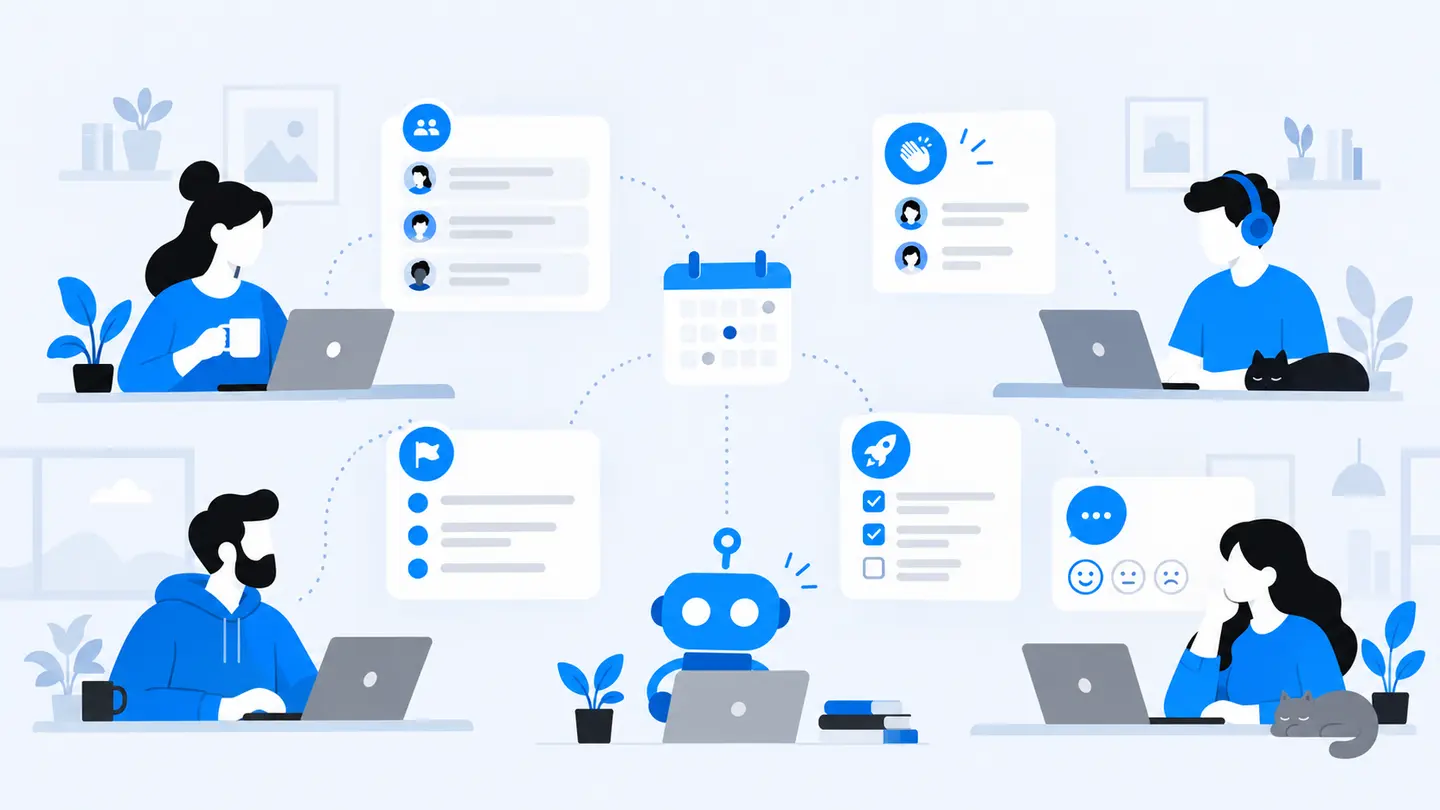
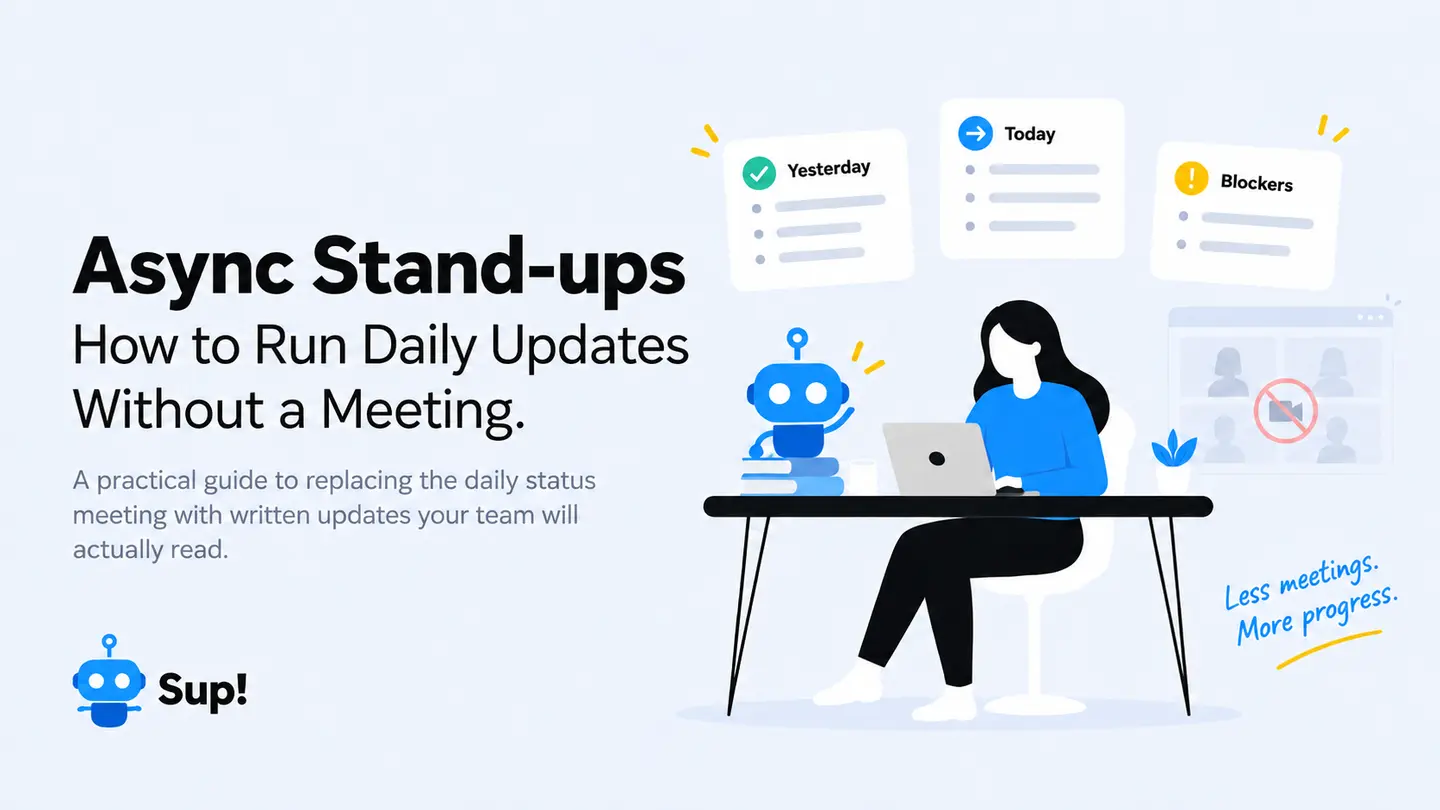
Give updates a predictable home instead. A short written check-in can cover what changed, what's next, and where someone needs help. Managers and teammates can scan the responses without asking everyone for an individual update. Unlike a daily meeting, an async standup doesn't require everyone to stop work at the same moment.
Sup can schedule async standups inside Slack or Teams, collect team responses, and share a summary. Set the check-in and its reminders outside protected focus blocks so your solution to notification overload doesn't create a fresh round of pings. For a practical setup, see how to run async standups without a meeting.
 Add to Slack
 Add to Teams
 Add to Webex
4. Batch Your Notifications
Instead of responding to every message as it arrives, review ordinary messages between focus blocks. Depending on your role, that might mean two or three scheduled checks each day, or more frequent checks when your work requires them.
A few settings can help:
- Mute noisy channels that don't need your immediate attention.
- Review which DMs, mentions, threads, and keywords trigger alerts; not every DM needs a pop-up.
- Set a notification schedule that reflects your working hours.
- Schedule non-urgent messages to arrive during teammates' working hours when practical.
- Make sure incident alerts use a separate, reliable route rather than depending on an ordinary chat notification.
Batching works when people know what to do if something can't wait. Otherwise, turning off notifications merely shifts the anxiety to the sender.
5. Send Complete Messages
"Hey, got a sec?" creates an interruption without giving the other person anything to act on. It usually leads to another message asking what you need, followed by a live exchange that could have been avoided.
Make the first message useful. Include the context, the question, what you've already tried, and when you need an answer.
Instead of:
Hey, got a sec? The webhook is failing.
Try:
I'm investigating failed payment-webhook retries in staging. I've checked the logs and reproduced the issue after the second retry. Could you review the retry-handling logic in PR #142 before tomorrow's planning meeting? No need to interrupt your focus block; I can continue testing in the meantime.
That's an illustrative message, not a real incident or pull request. It lets the recipient understand the problem and reply when they're available, often in one response.
6. Create Shared Focus Hours
Individual focus blocks are easy to lose when meetings get scheduled around everyone else's availability. A shared window removes much of that negotiation.
For example, agree on no internal meetings before noon on Tuesdays and Thursdays. Keep critical operational work covered, but move recurring meetings and routine check-ins outside that window.
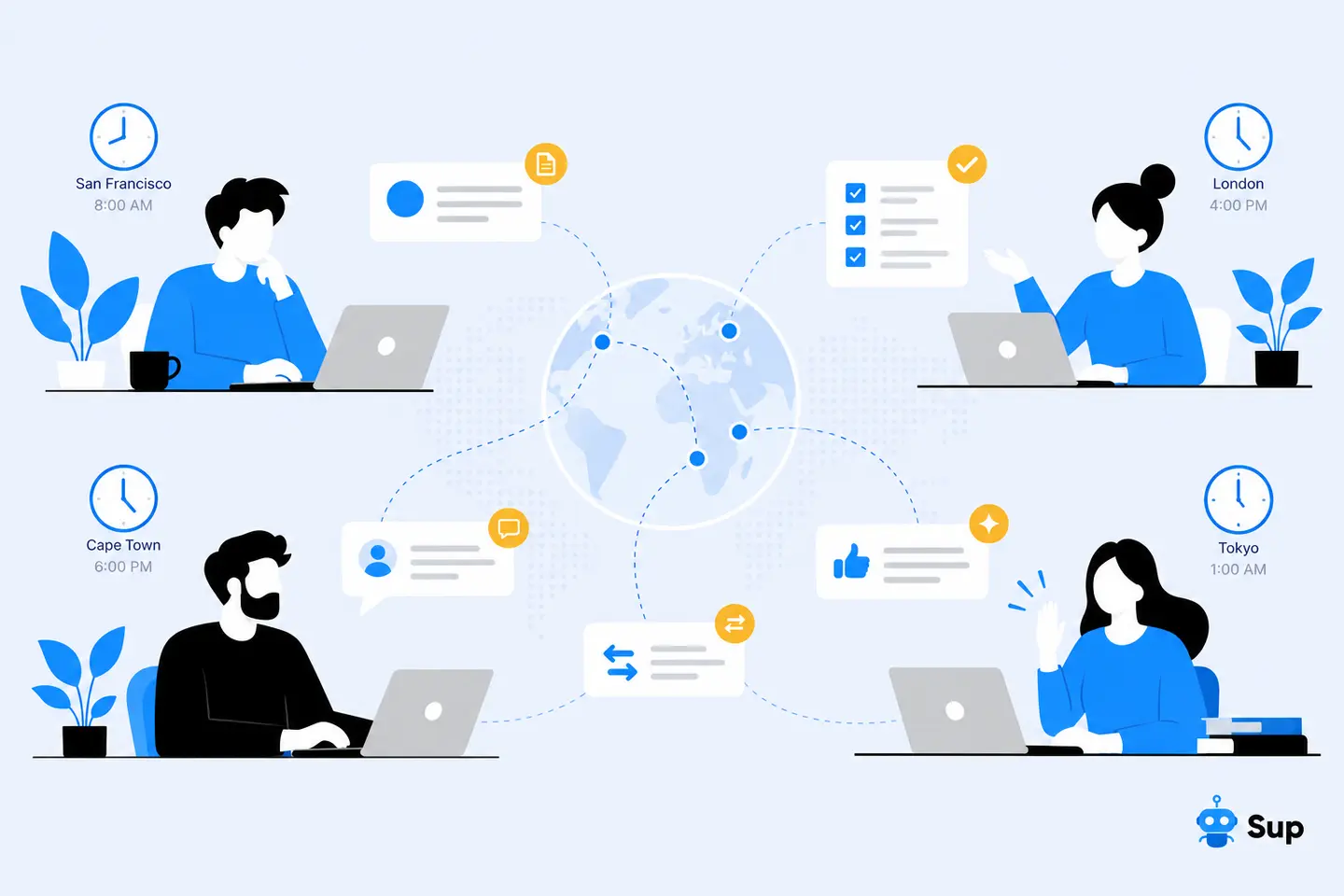
Distributed teams should rotate or choose windows that don't consistently disadvantage one region. When a single shared block isn't practical, protect separate local focus windows instead.
7. Let Leaders Go First
A response-time agreement won't stick if a manager sends late-night messages, replies to everything immediately, and treats a quiet status as a reason to follow up elsewhere.
Block your own focus time and respect it. Use scheduled send for non-urgent messages outside someone's working hours. Avoid turning an ordinary question into an emergency just because you want an answer now. Acknowledge clear async updates, and make it explicit that people are not expected to monitor routine chat throughout their focus blocks.
The goal isn't for managers to become less available. It's for them to model predictable availability.
What an Interruption-Free Morning Could Look Like
These habits are easier to adopt when people can picture how they work together. Here's an illustrative schedule for a team with morning overlap:
| Time | Team rhythm |
|---|---|
| 9:00 a.m. | Team members post a short async update with progress, next steps, and blockers. |
| 9:15–11:15 a.m. | Protected focus block. Routine notifications are paused; critical incidents go to the designated on-call responder. |
| 11:15 a.m. | Message check. People review updates, answer regular DMs, and flag anything that needs discussion. |
| 11:30 a.m. | Collaboration window for reviews, blockers, and decisions that benefit from a conversation. |
This isn't a schedule every team must follow. On-call engineers, customer-facing roles, and globally distributed teams may need different arrangements. The useful part is the clear distinction between time for concentrated work and time for collaboration.
What About Work That Is Genuinely Urgent?
Protecting deep work doesn't mean ignoring emergencies. It means defining an emergency before one happens.
Ask a practical question: Will waiting until the next agreed check-in cause a critical failure, violate an important commitment, or prevent someone from completing genuinely time-sensitive work? If so, use the escalation route. If not, send a complete message and let the recipient respond in the agreed window.
Document who is on call, what counts as an incident, how backups are reached, and what happens when the primary responder is unavailable. Don't depend on a muted channel or someone's personal willingness to interrupt their focus time. When everything gets labeled "quick," actual emergencies become harder to spot.
Try Two Changes for 30 Days
You don't need to introduce all seven practices at once. Choose two that address your team's biggest sources of interruption, write down the new expectations, and run a 30-day experiment.
At the beginning and end, ask your team a few simple questions:
- How many planned focus blocks were completed without an unplanned interruption?
- How often did people receive unnecessary status-check messages?
- Did teammates know when to expect a reply and how to escalate a real blocker?
- Were critical issues still handled within the team's agreed response window?
Use a short team discussion and a few lightweight measures rather than monitoring every individual's messaging habits. Keep what helps, adjust what doesn't, and decide whether to add a third practice.
Building a Team Where Focus Wins
Constant notifications rarely feel like a problem one message at a time. Together, they consume the uninterrupted stretches needed for complex work. Protecting deep work doesn't require abandoning chat. It requires better defaults: visible focus time, realistic response expectations, predictable async updates, notification batching, complete messages, shared focus hours, and leaders who follow the same rules.
Start with two practices, try them for 30 days, and review what changes. If status pings are your biggest source of interruption, an async standup is a practical place to start. You can also try Sup for async updates in Slack or Teams.
Frequently Asked Questions
Should I turn off every Slack or Teams notification during focus time?
Not necessarily. Pause routine alerts during agreed focus blocks, but make sure critical incidents have a reliable escalation path and a designated responder. Teams with operational responsibilities may need rotating coverage instead of asking everyone to become unreachable at once.
How can managers protect focus time without slowing down the team?
Publish response-time expectations, give routine status updates a predictable home, and make it easy to tell an ordinary question from a real blocker. Review your team's experience after a few weeks rather than measuring success by how quickly everyone replies.
How long should a deep work block be?
Start with a block your team can protect consistently, such as 60 to 90 minutes, and adjust it to the work. Complex debugging or design tasks may need longer stretches. The important part is to agree on a realistic window, protect it from routine interruptions, and leave time afterward to check messages.
What if our team works across multiple time zones?
Don't force everyone into one shared focus window if it falls outside some teammates' working hours. Let each region protect local focus time, publish availability in calendars or chat statuses, and use async updates so nobody has to attend a meeting just to learn what changed. Rotate the timing of essential live meetings when possible.
How do we know whether fewer notifications are actually helping?
Before changing your routine, ask the team how often focus blocks are interrupted and which messages create the most disruption. After a 30-day trial, compare completed focus blocks, unnecessary status pings, and whether urgent incidents still reached the right people promptly. Use the results to improve team agreements, not to track individual response speed.