
Taking a break from work, whether planned or due to an emergency, is important for your well-being. Equally crucial, however, is how you communicate that break to your manager. A professional leave request email isn't just a formality-it's a boon that works for both you and your manager. Let’s see why.
First, how does a well-crafted leave request email benefit you?
When you write a good leave email to the manager, you increase the chances of your leave request getting approved! What’s even better? It exhibits your professionalism, and your manager sees you as an employee who plans ahead, communicates effectively, and values transparency - traits that make a positive impression.
And for your manager?
A well-written leave request email gives your manager clear information about your days of absence so that they can prepare in advance to utilize the available personnel and resources. A leave request email that is clear also eliminates the chances of confusion and minimizes misunderstandings (Who wants a call from the manager mid-appointment asking why are you not in the office yet, right?). Lastly, the right leave request email structure also helps your manager maintain records (searching the inbox gets 2X easier with typing just the keywords, you know?).
With so much riding on an email, writing a proper leave email to the manager becomes important, right? Let’s learn the art of writing a professional leave request email. We’ll start with the key elements.
Key Elements to Include in a Leave Request Email
So, you have added your manager’s email ID in the recipient field of a new email. Next, how exactly should you proceed, and what must you include? Let’s have a detailed look.
1. Subject Line
The subject line of your leave request email is more important than you might think; it determines how quickly your request is addressed amidst the flurry of emails in your manager's inbox.
It conveys to your manager the purpose behind your writing this email and often can be enough for them to decide on approval. How can you make that happen best? Keep the subject line of the email clear and short.
The best practices about writing an email subject line recommend that you use no more than 9 words in the subject line. Think about your manager checking their inbox on their phone. So, the shorter, the better.
And what must the subject line of a leave email to a manager consist of? It should contain just the essentials: the leave type and the dates of leave. That’s it. Clear and concise.
Another point you must bear in mind is the tone. Keep the tone professional even when you share a comfortable camaraderie with your manager.
2. Greeting
The second key element to writing a good leave email to a manager is the greeting you use in the email. Choose a greeting that is polite and professional.
The most commonly used greeting is ‘Dear’. You can also choose to use ‘Hello’ or ‘Hi’. It is also common practice to use ‘Good morning’ or ‘Good afternoon’ or ‘Good evening’ according to the time of the day you are sending the email. Try to avoid using unprofessional greetings even when you share a friendly bond with your manager.
The standard practice is to follow up the greetings with the name of your manager or their surname with the appropriate title. Never forget to end the greeting with a comma.
3. Reason for leave
Say you want to request leave because your wedding is coming up. Which leave type would you choose? Does your company provide marriage leave? If yes, then you can select this leave type, and the reason is understood from the leave type. However, if the answer is no, then you would have to apply for an earned leave and mention the reason as marriage.
Where do you write the leave type and the reason for your leave email to the manager? The first line of the email body. This straightforward approach helps your manager to take timely action concerning leave approval.
4. Date and the duration of leave
The reason for your leave request must be accompanied by the start date and the end date of your leave. To help your manager decide without having to do calculations on his part, also write the duration of your leave.
For example, if you are requesting paid vacation time off from December 22, 2024, to December 29, 2024, accurately calculate only the working days that you will be missing (leaving the weekends and Christmas Day) and mention the duration as 5 days in the leave email to the manager.
This detailed approach means less effort on the part of your manager and quick decision-making. It also shows that you respect your manager’s time.
5. Work handoff plan and responsibilities during your absence
To further improve your chances of getting your leave request email approved, inform your manager, who will be taking care of your duties in your absence. If you are a team manager, share the deadline for the project you are responsible for and how you have planned for its flow in your absence.
Such planning and information convey to your manager that the daily workflow will not be affected or delayed in your absence, and so it is okay to approve your leave request. This also portrays you as a reliable team member who proactively ensures seamless operations, demonstrating responsibility and commitment to team success even when away.
6. Closing
Add a concluding statement at the end. It can sound like ‘Please let me know if you need any further information to process this request.’ or ‘I look forward to your approval and will prepare accordingly.’ This adds to the structure of the leave request email and gives a proper end to the email body.
Next, end the leave request to the manager by adding an appropriate signoff such as ‘Regards’, ‘Best regards’, ‘Sincerely’, etc. and mentioning your full name along with your designation.
Leave request email templates and examples
Here are two examples to help you get a view of all that we talked about above.
1. Formal leave request email for sick leave
2. Semi-formal leave request email for personal leave
How to follow up on a leave request if you don’t get a response
So, you did not receive a response even after writing a well-structured leave request email? It may be because your manager was too busy or because they needed time to judge the current situation and respond accordingly. Here are the steps to follow.
1. Wait it out.
Waiting is one way you can handle a delayed response from your manager. But the question is, ‘How long?’. To decide on the waiting period, consider the urgency of your situation. Is it for a trip that is planned for the next month, or is it an emergency leave for which you need to be at your native place at the earliest?
If it is not so urgent and the leave request date is far, you can wait for 2-3 business days after sending your leave request email. But if you require a leave request approval as soon as possible, you can wait for one business day before following up with your manager about the leave request.
2. Choose the right medium for follow-up.
a) Email
Following up with your manager using email can be an effective and most professional way to ask for a response back. For example,
b) Direct message on communication platforms like Slack, MS Teams
To receive a quicker response, you can directly message your manager on Slack or MS Teams. Here is how:
b) In-person
Yet another way to follow up on your leave request email is to meet your manager in person when they are not too busy. Bring up your ask politely to remind them to review the leave request.
3. Send during office hours only
One important factor to keep in mind is to always follow up about the leave request during office hours. Doing so outside of office hours is not only unprofessional but also reduces your chances of getting your leave approved sooner since your manager might choose to ignore your message for the time being and forget about it again.
Speed up leave requests and approvals with Sup Bot for Slack, MS Teams, and Webex
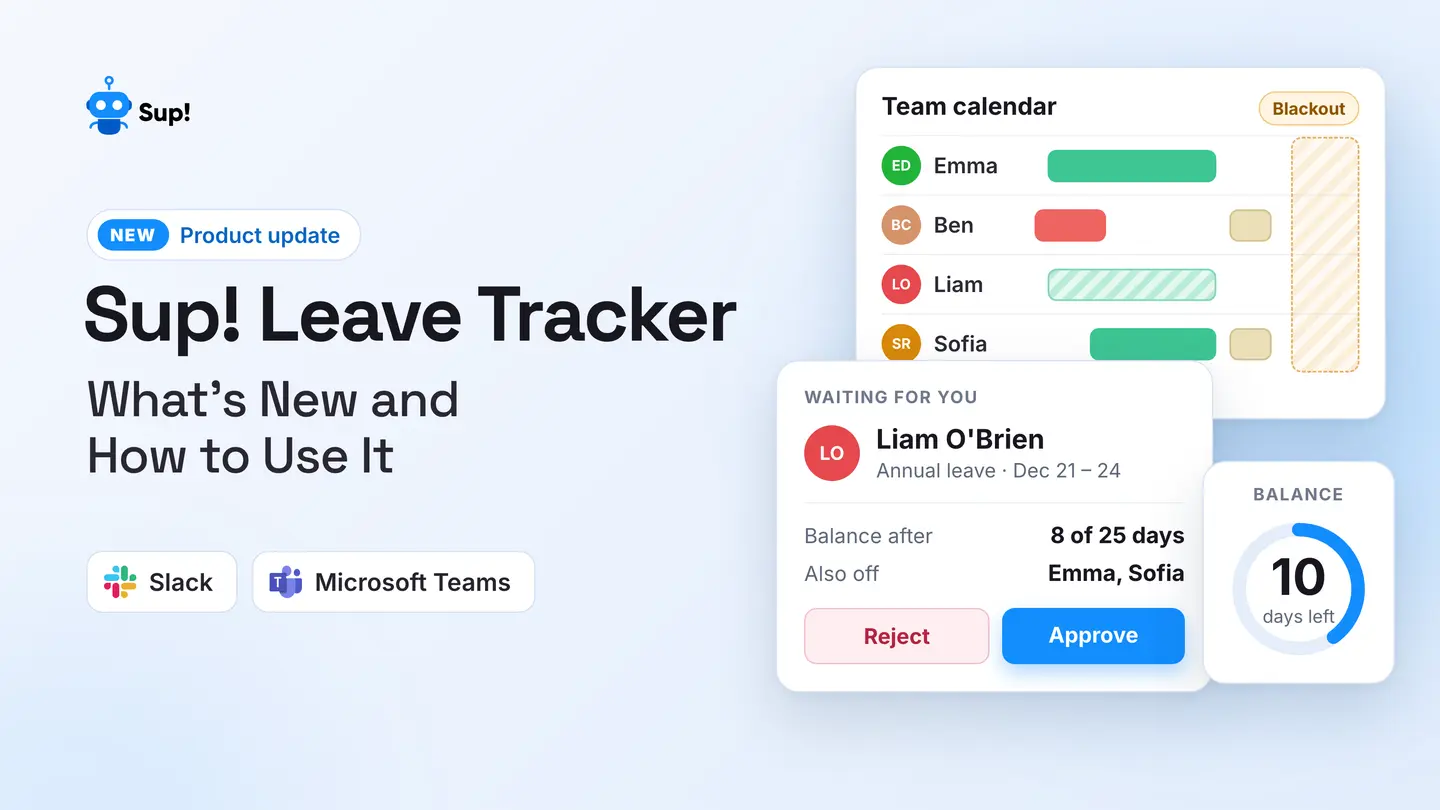
What if we told you there was a way to speed up your leave request approvals? Yes! Sup Bot does that and more on your official communication tools - Slack, Microsoft Teams, and Webex. With Sup Bot, you can submit your leave requests seamlessly, eliminating the hassle of lengthy leave request email threads and ensuring instant notifications for both you and your manager.
With the ability to view information about your leave balance and automate reminders for all, Sup Bot is the right product for both you and your team. Submit your leave request with just a few clicks without leaving your chat interface and experience seamless leave approvals. Experience efficiency with Sup Bot today!
Frequently asked questions
1. How do you email a manager requesting leave?
To request leave from your manager using email, start your email by clearly stating the subject, including the dates you intend to be absent and the type of leave you're requesting. In the email body, mention the reason, the dates, and the duration. Assure your manager that you have made arrangements to handle your responsibilities while you are away. Close the email by expressing appreciation for their consideration and offering to provide additional details if needed. End with an appropriate sign-off, your name, and your designation.
2. How do I inform my manager about my leave of absence?
You can inform your manager about your leave of absence by:
- 1.Email: Write a professional email stating the leave type, the reason, the dates of leave, and the duration.
- 2.Official chat platform: Send a message to the manager on your official chat platform with full details of the leave.
- 3.In-person: Request a leave by visiting the manager during their relatively free office hours.
- 4.Using Sup Bot: Use Sup Bot for instant leave approvals without leaving your chat interface.
3. How to request a day off example?
To request a day off by email, you can choose to write:
4. How to write mail for one day leave?
You can write mail for one day's leave using this template:
5. How to apply for a leave?
You can easily apply for leave using Sup Bot in 6 simple steps:
- 1.Get Sup Bot on Slack, Microsoft Teams, or Webex.
- 2.Head to the home tab of the app on the messaging tool.
- 3.Locate and click the 'Create holiday / leave' button.
- 4.Select the leave type and add the reason in the pop-up window.
- 5.Select the dates of leave and the duration if it is a single day.
- 6.Set the OOO Slack status if applicable.