
Sick leave emails are more than simple emails informing of your absence. They are a professional courtesy that communicates your commitment to keeping your team informed and maintaining workflow continuity. So, they must not be sent at the first minute of your work hour lest your supervisor and your team find themselves struggling to continue with the work plan for the day. So, when should you send them? Right when you feel unwell and unable to work.
As important as the timing is, equally important is what you write in that sick leave email. Owing to the illness or the situation surrounding it, drafting a proper sick leave email can seem cumbersome. So, here, we have listed several sick leave email templates that you can use for specific scenarios. Copy, edit, send!
Sample sick leave email templates by scenario
1. Sick leave email template for when you have a fever
A sick leave email template for fever is a tremendous help when we aren’t in the best condition to review the content we have typed and are likely to miss out on key elements to add to the email. So, here is one detailed template that you can use to write a professional sick leave email when down with a fever.
2. Sick leave email template for when you have a common cold
The common cold is perhaps the one condition where nothing feels right, and chances are that your sick leave email might not either. Cut those backspaces, copy this sick leave email template for a common cold, fill in your details, and hit that send button.
3. Sick leave email template for when you have a severe migraine
You don’t want to look at a screen when a migraine hits, let alone type out a sick leave email, one that must have the right details so that there is no room for any miscommunication. So, what do you do? Simply edit the sick leave email template for a migraine shared below, send the mail, and turn off your laptop.
4. Sick leave email template for when you are suffering from food poisoning
Crafting a professional sick leave email while suffering from food poisoning can become a daunting task. Let us help you with a sick leave email template for food poisoning where you can just add your details and forget worrying about the correct wording or the format. Check out the template below.
5. Sick leave email template for when you meet with an accident
Accidents can be a source of great pain and discomfort, but if there is something equally urgent as attending to the injuries, is dropping a sick leave email to your work to inform your manager of your upcoming absence. Here is a simple sick leave email template that you can send when met with an accident.
6. Sick leave email template to look after your mental health
Be it stress or a feeling of overwhelm, our ill mental health can make even a simple task such as writing a sick leave email seem difficult. So, on the days you need to loosen your grip over things, leave it to us to write an appropriate sick leave email for you. Just add your details to the template below, and you are good to go.
7. Sick leave email template for when you have menstrual cramps
Menstrual cramps can leave you too irritated to type out an appropriate sick leave email that does not sound borderline grouchy. We are here to allow you to rest while we take care of your sick leave email for period pains. Here, just copy this template and add your details.
8. Sick leave email template for when you have scheduled dental procedures
Writing a sick leave email for your upcoming absence is as important as attending that scheduled dental procedure. That pain is not going away anytime soon, so why not use the sick leave email template for dental appointments below to quickly take care of the formalities while ensuring nothing is missed out?
9. Sick leave email template for caregiving responsibilities
Caregiving responsibilities can take up a lot of our time, requiring us to request sick leave from work. But when you have a lot on your plate already, thinking right to structure an apt sick leave email can feel crushing. Here is a suitable template that you can use to write a professional sick leave email in under 2 minutes.
10. Sick leave email template for a family health emergency
A family health emergency will not leave you with much time to write a carefully worded sick leave email. In the helter-skelter, you may miss out on the important details, giving rise to misunderstandings. So, ensure that you do not miss out on communicating anything with this sick leave email template for a family health emergency.
11. Sick leave email template for medical tests
Medical tests with their pre-requisites and processes can be both stressful and anxiety-provoking, making it hard to write a clear sick leave email. In the fear of injections, you might end up missing important details about your time off. To help you cover everything needed, use the sick leave email template below for medical tests.
12. Sick leave email template for when you have a scheduled surgery
A scheduled surgery can throw up all sorts of emotions, so when it is time to write a sick leave email, it can get nerve-wracking. To avoid overlooking any important information in the overwhelm, see what you must add to your sick leave email for a scheduled surgery in the template below.
13. Sick leave email template for routine checkups
Regular health checkups are crucial, but so are clearly outlined sick leave emails. When you are worried about the checkup results that are going to follow, it's easy to overlook important details in the email. Use the template below to ensure your sick leave email for a routine checkup is clear and complete.
14. Sick leave email template for uncertain return dates
For situations when you are not sure of how long you will take to recover, writing a fitting sick leave email template can take up a lot of time. Minus the minutes with this sick leave email template with everything you must write for when unsure of your rejoining date.
15. Sick leave email template for an extension of your approved sick leave
Recovery may not always be linear, requiring you to write a sick leave email asking for an extension of your approved sick leave. If you are unclear about the words that must go into your email, simply use this sick leave email template to ask for an extension of your sanctioned sick leave.
Use Sup Bot to send sick leave requests in Slack, MS Teams, and Webex.
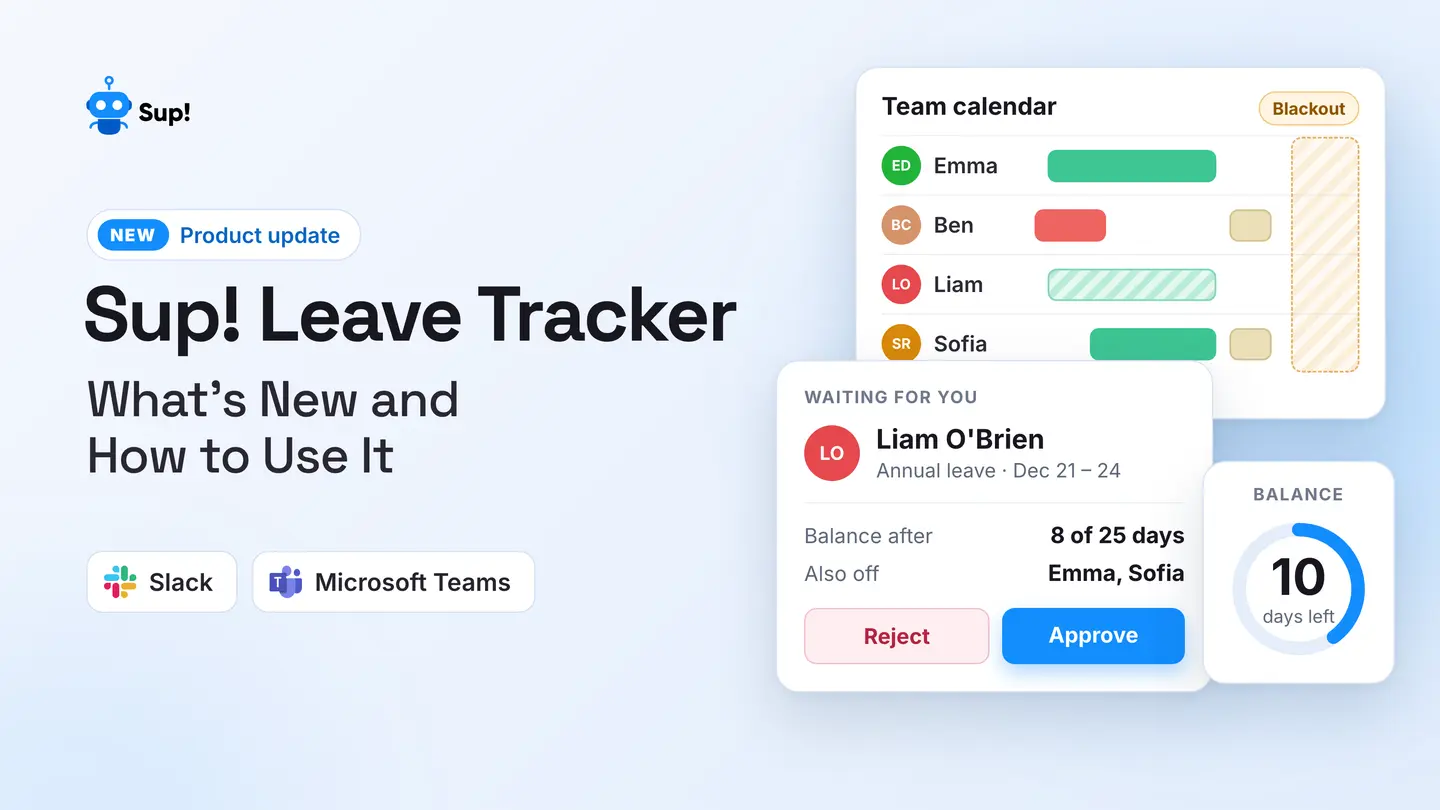
Skip the hassle of writing lengthy emails with the Sup Bot PTO tracker for Slack, MS Teams, and Webex. Simplify the way you request sick leave by submitting it directly through your communication platform. Sup Bot turns a 5-minute process into a quick, 30-second task, so you can focus on what really matters-your recovery, not drafting perfect requests. Get Sup Bot today-a fast, efficient way to manage your time off and keep your work-life balance in check.
FAQs
1. How do I email my manager for sick leave?
You can email your manager for sick leave using the following steps:
- 1.Create a subject line mentioning that you are applying for sick leave.
- 2.Start the email body by addressing your manager.
- 3.State why you are emailing for sick leave along with the dates and the duration of the planned absence.
- 4.Include information on who will be covering for you in your absence along with their contact details.
- 5.Close the email body by thanking your manager.
- 6.Sign off with your name and designation.
2. How do I inform my sick leave to my manager?
You can inform your manager of your sick leave using any of the 2 ways:
- 1.By using PTO tracker like Sup Bot - Sup Bot can be used to send leave requests in under a minute. Simply select the leave type, add the reason, select the dates, and submit the request.
- 2.By writing a sick leave email - Write a sick leave email to your manager stating the reason for absence and the dates. Let them know if you will be available via email or phone. End with a thank you note.
3. How to apply for sick leave?
Apply for a sick leave using any of these 3 ways -
- 1.Email - Emails are a professional way to send detailed sick leave requests but the process can be confusing and time-consuming.
- 2.Communication tools - You can directly message your immediate supervisor on the official communication tool requesting sick leave. However, it can come across as unprofessional and must be done only if your company allows it.
- 3.Sup Bot - Using a PTO tracker like Sup Bot is the easiest way to apply for sick leaves which is both quick and professional. A few clicks will get your job done.
4. How to write a sick leave?
To write a sick leave, start by stating that you are sick and can’t come to work. Mention how long you expect to be absent. Let your manager know you are unable to work due to your illness, and offer a doctor's note if required. Thank them for understanding and say you’ll keep them updated if needed. Keep your message short and polite, and include your contact details for any follow-up.